
Jump Points
Jump points move the view between locations in the current dataset.
- Add a point on the Jump Point page and enter its name.
- Move the viewport to the intended arrival position and record the jump view.
- Select a target point in the current dataset and click Set Target to link it.
- Click Execute Jump to check the arrival position and direction. Create a bidirectional link if return navigation is needed.
To change the destination view, adjust the viewport and click Reset View. Use Clear Target to remove the link.
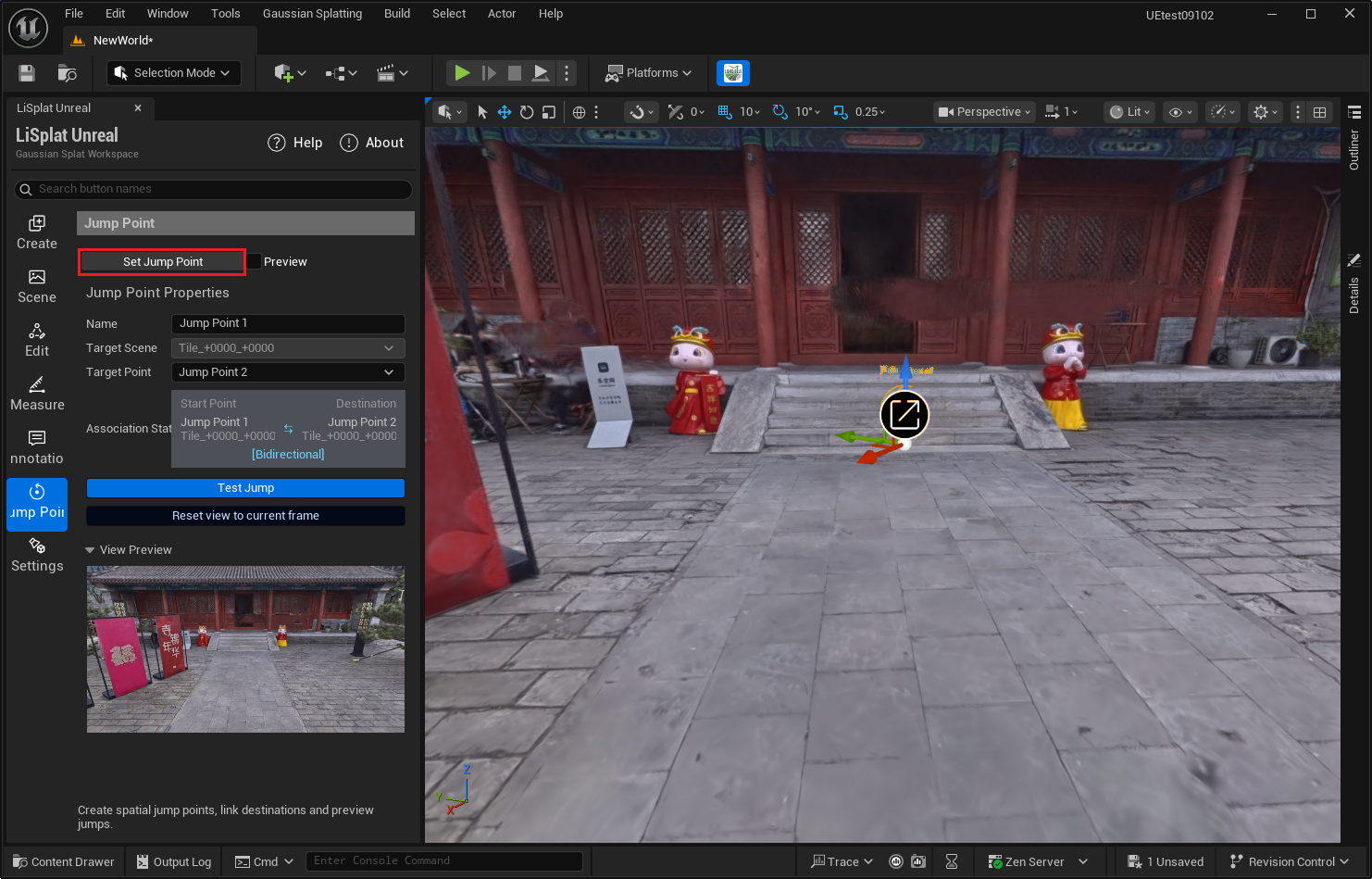 Figure: Jump point settings
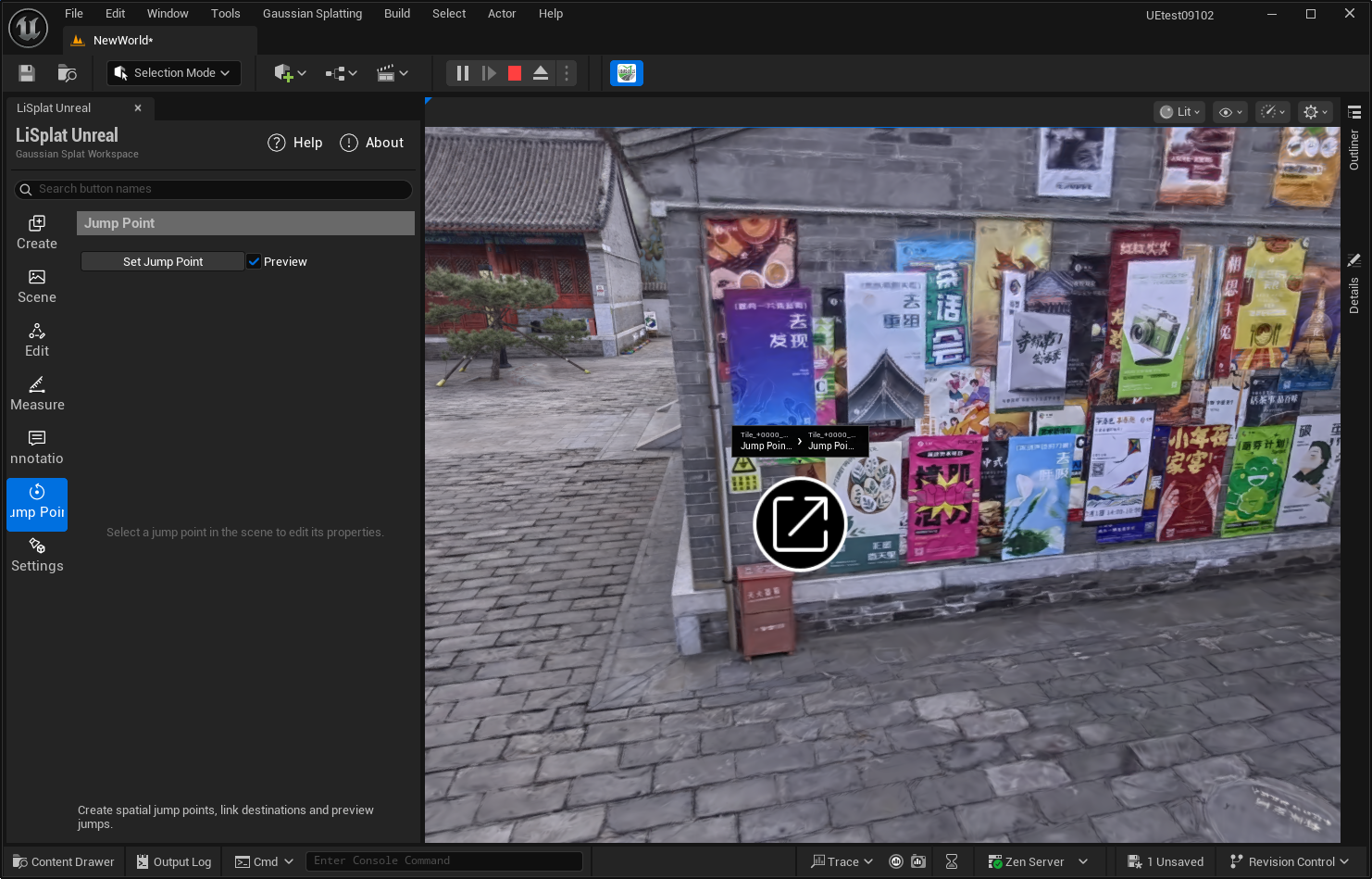 Figure: Jump point preview