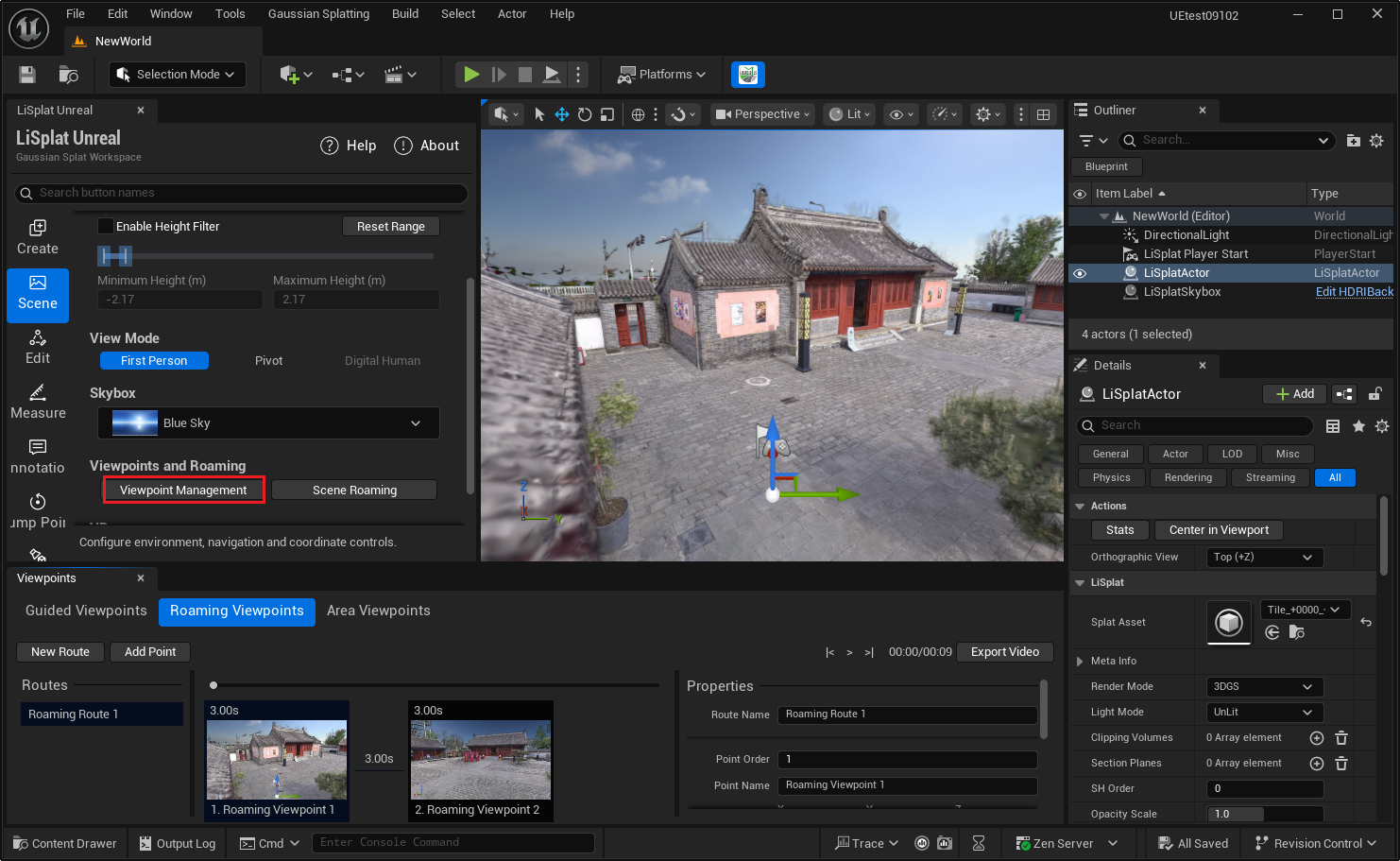
Scene Setup
The Scene page configures scene start positions, browsing, and tours.

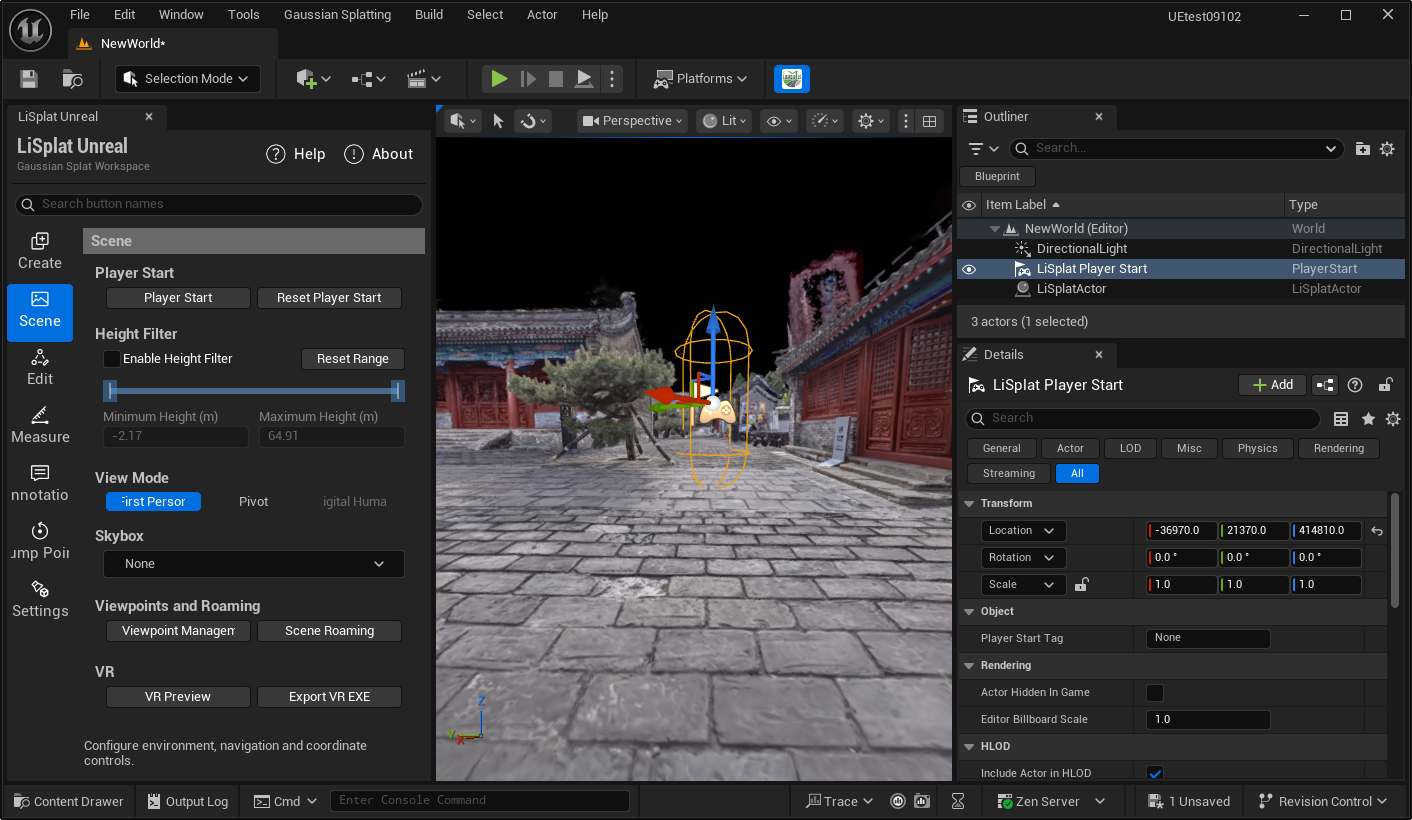
Player Start and height filtering
- Player Start: Create or select a spawn point in the current Gaussian scene. Reset Player Start returns it to the Gaussian data origin. Save the level after changes.
- Height Filter: Hides splats outside a Z-height range. Enable it, set minimum and maximum values, and use Reset Range to restore the complete range.
Browsing modes
- First Person: Freely browse the current scene.
- Pivot: Observe around the Gaussian focus; left-drag rotates, right-drag pans, and the wheel zooms.
- Third Person: Browse with a character and orbit the view. Collision is not required for this mode, but without it there is no ground or obstacle blocking.
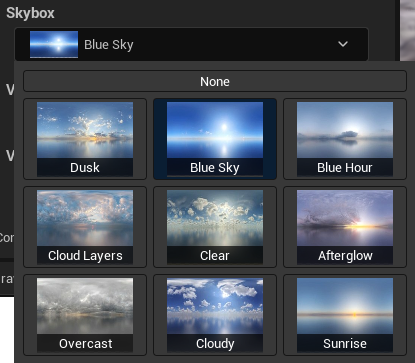
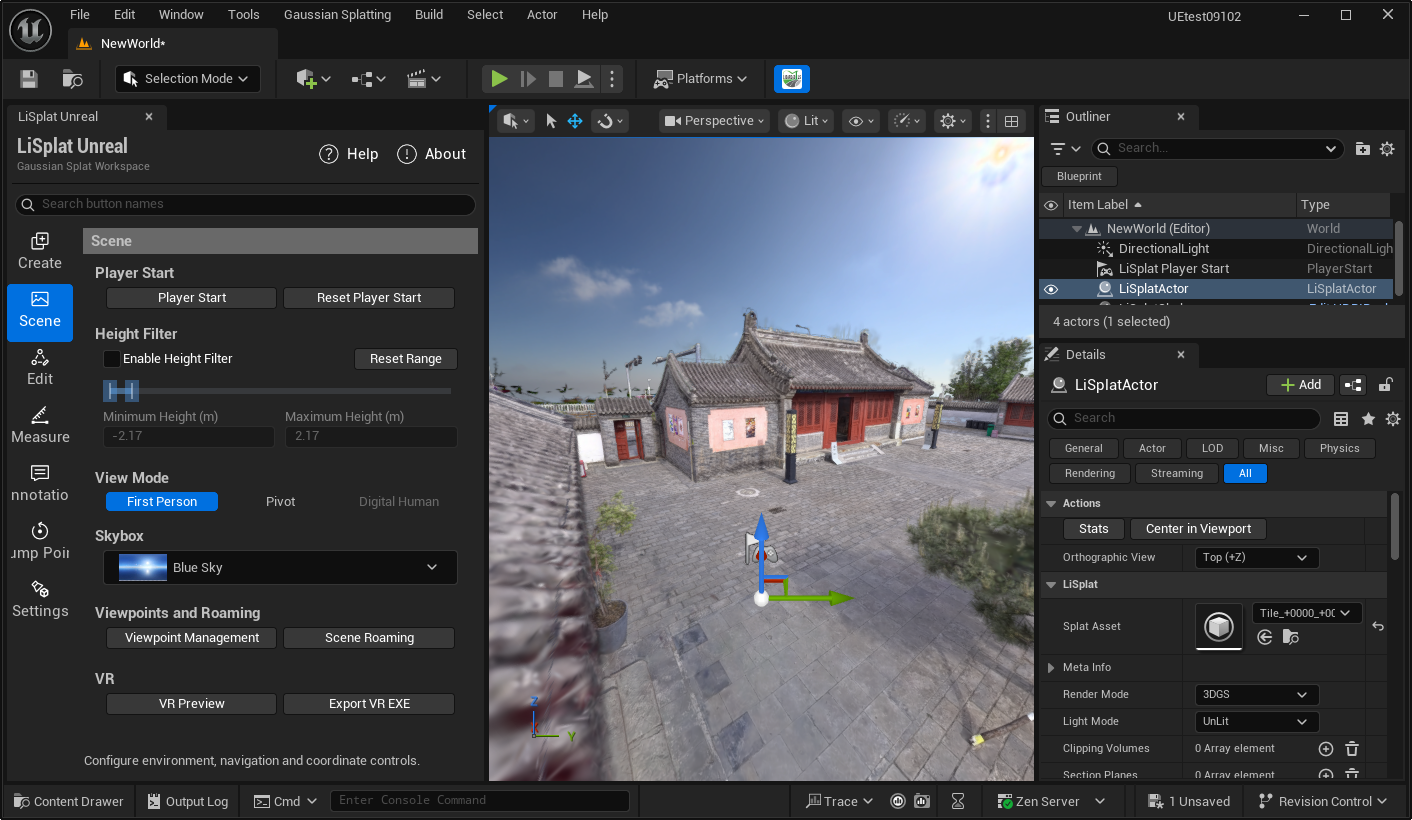
Skybox
Select and apply a skybox in the Skybox section to set the scene background and overall atmosphere. Save the level and check the result in a running view.
Viewpoints and timeline tours
For a viewpoint, set its name, camera transform, title, description, hold time, and transition duration. Available transitions include Teleport, Linear, Ease In Out, Ease In, and Ease Out. Camera motion includes Static, Pan, Tilt, Orbit, Left to Right, and Right to Left.