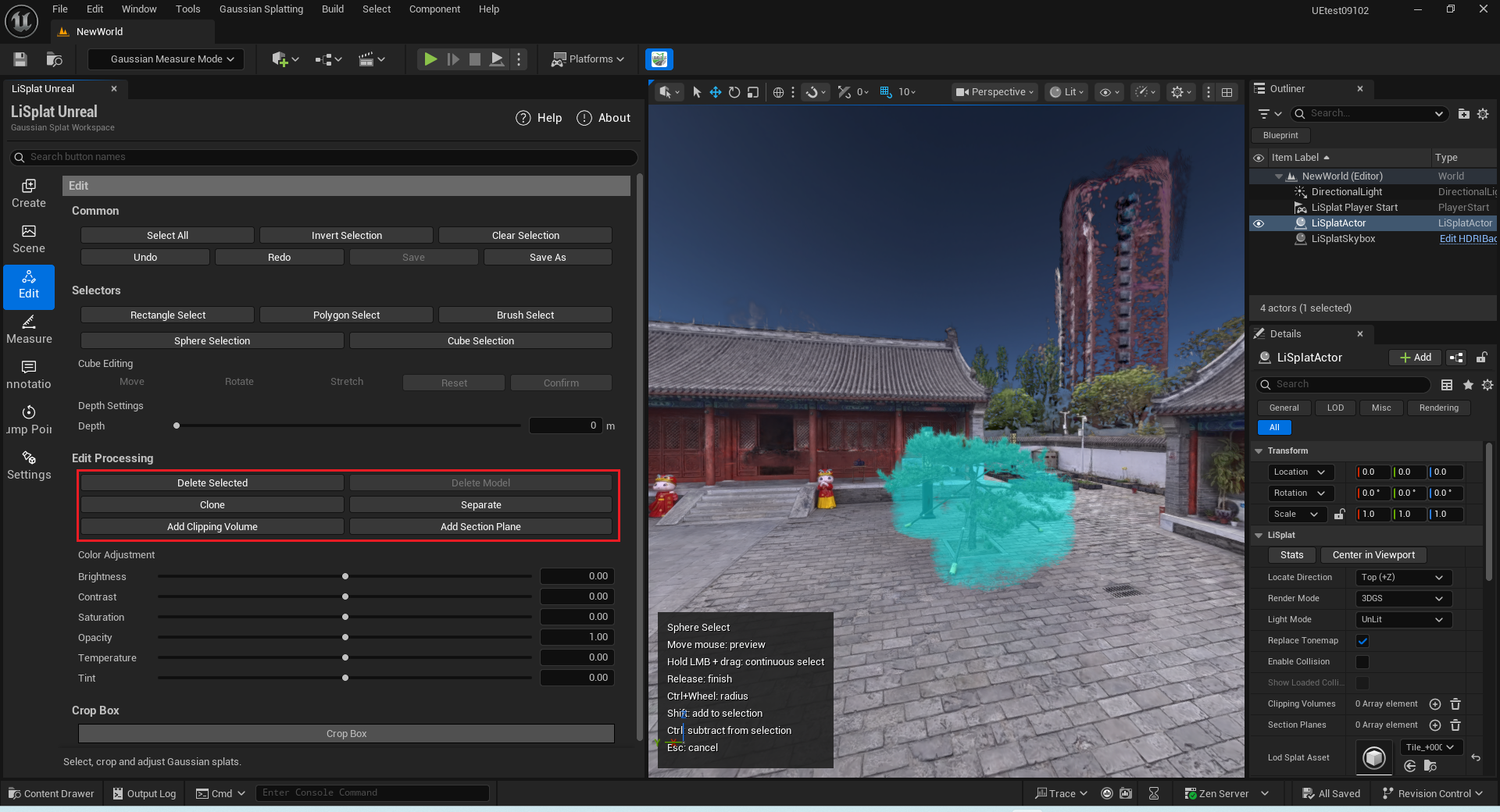
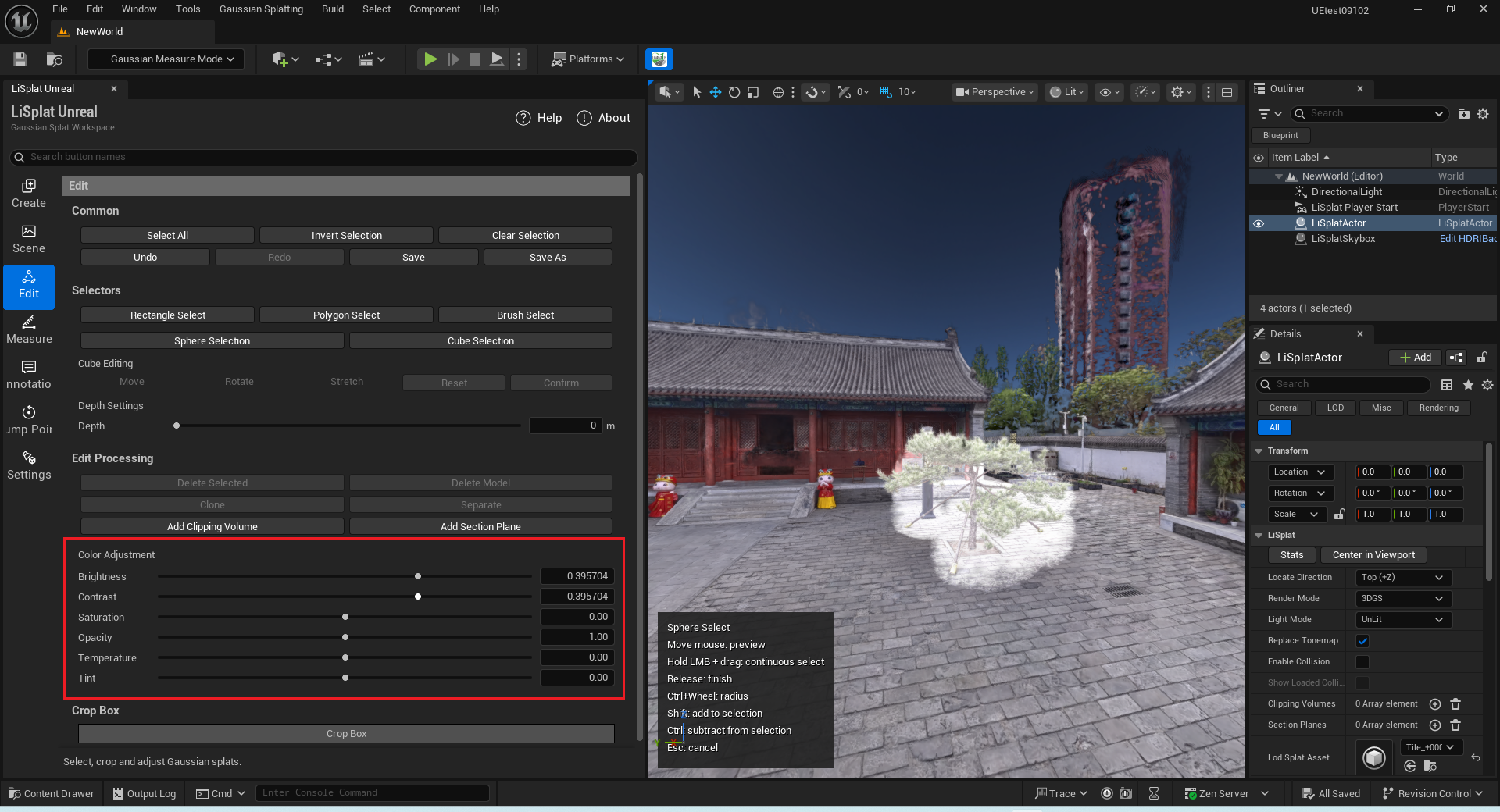
Editing
The Edit page provides selection, deletion, extraction, and local appearance controls. Back up source assets before editing. Use Save to persist changes and Save As to create a separate result.

Selection and history
Use rectangle, polygon, brush, sphere, or cube selection. Hold Shift to add and Ctrl to subtract when completing a selection. Undo/Redo retains up to 100 history steps.
Editing actions
| Action | Result |
|---|---|
| Delete Selected | Soft-deletes selected splats. |
| Clone | Creates an independent result actor from the selection and preserves the source. |
| Separate | Moves the selection to an independent result actor. |
| Color Adjustment | Adjusts brightness, contrast, saturation, temperature, tint, and opacity. |
| Clipping Volume / Section Plane | Adds volume-clipping or section-plane objects. |
| Crop | Keeps the inside or outside region through a reversible soft crop. |