360° Panoramic Video Export
Use Unreal Sequencer and Movie Render Queue to create 360° panoramic image sequences or video. First validate the standard camera animation and scene rendering.
Basic workflow
- Create a Level Sequence and Cine Camera Actor, then set camera keys and the sequence range in Sequencer.
- Open Movie Render Queue and add the sequence to the queue.
- Add Panoramic Rendering in the settings; disable Deferred Rendering and enable Allocate History Per Pane.
- Set output path, resolution, frame rate, and image-sequence format.
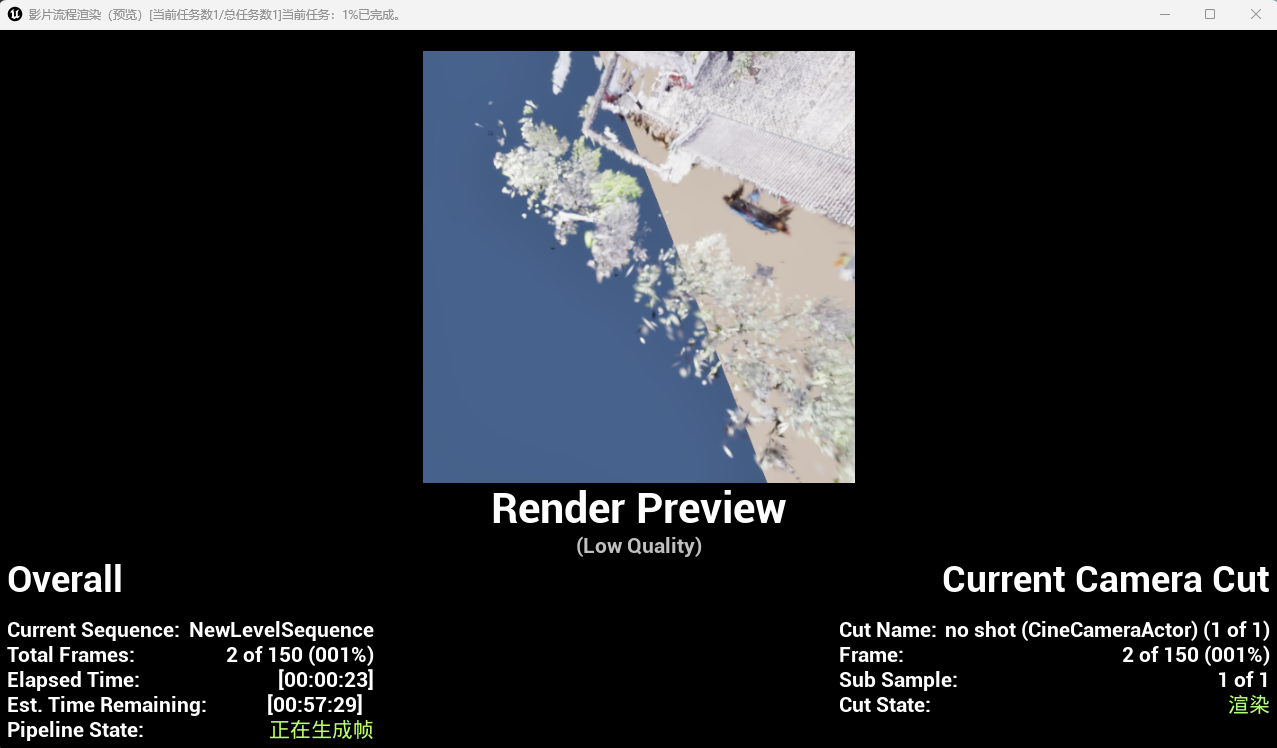
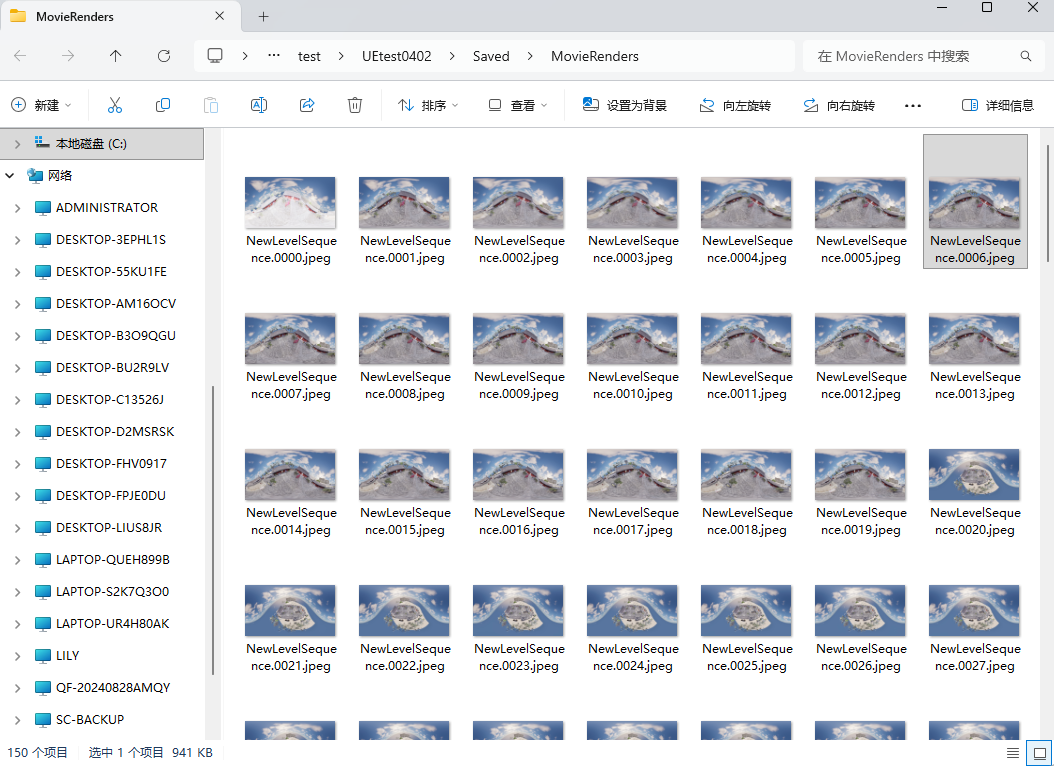
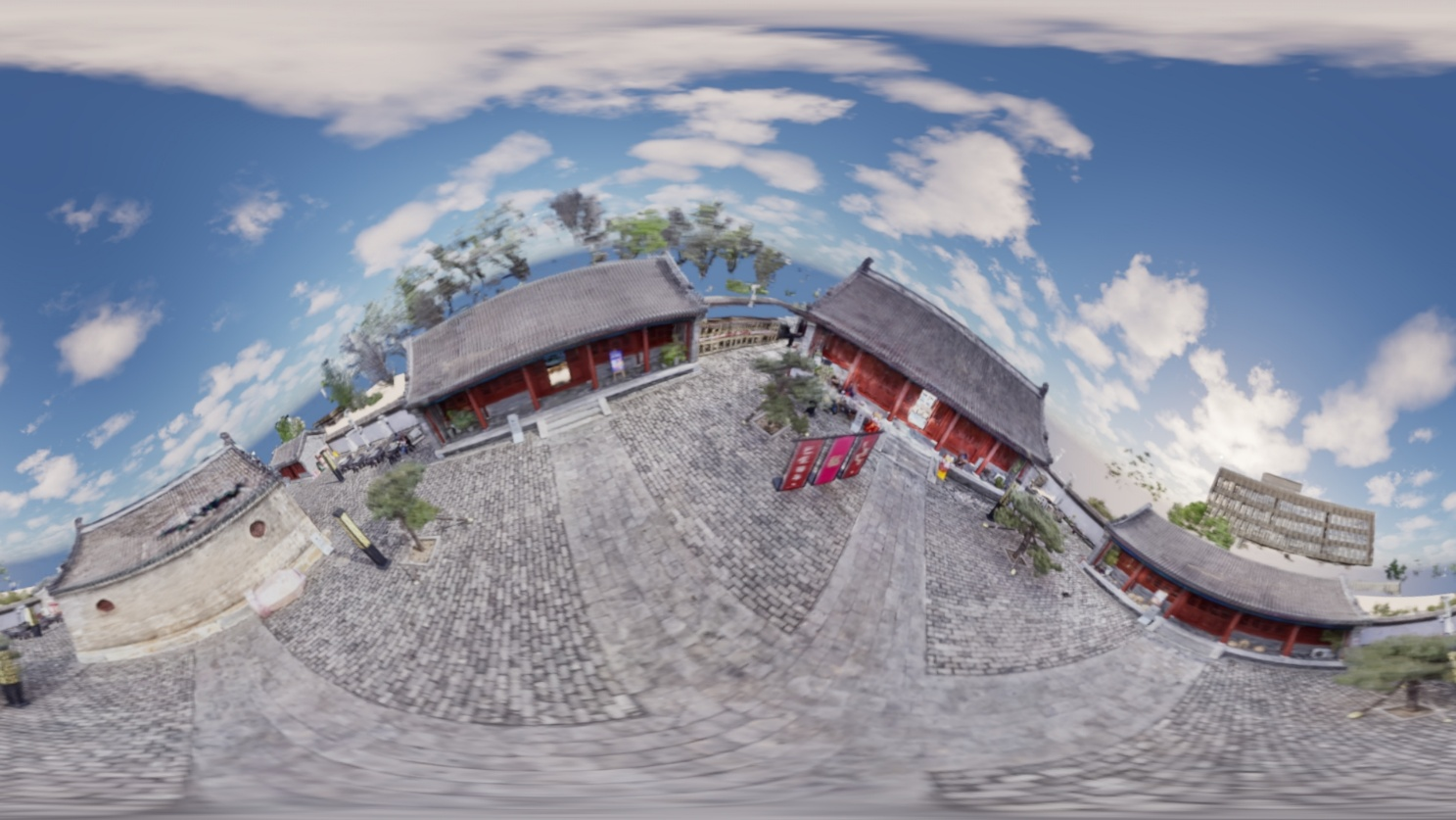
- Choose Render (Local). Check the panoramic image sequence in the output folder and encode it to video as required for delivery.