Jump Points
Jump points save camera transforms and create navigation links inside a scene or across scenes.
Workflow
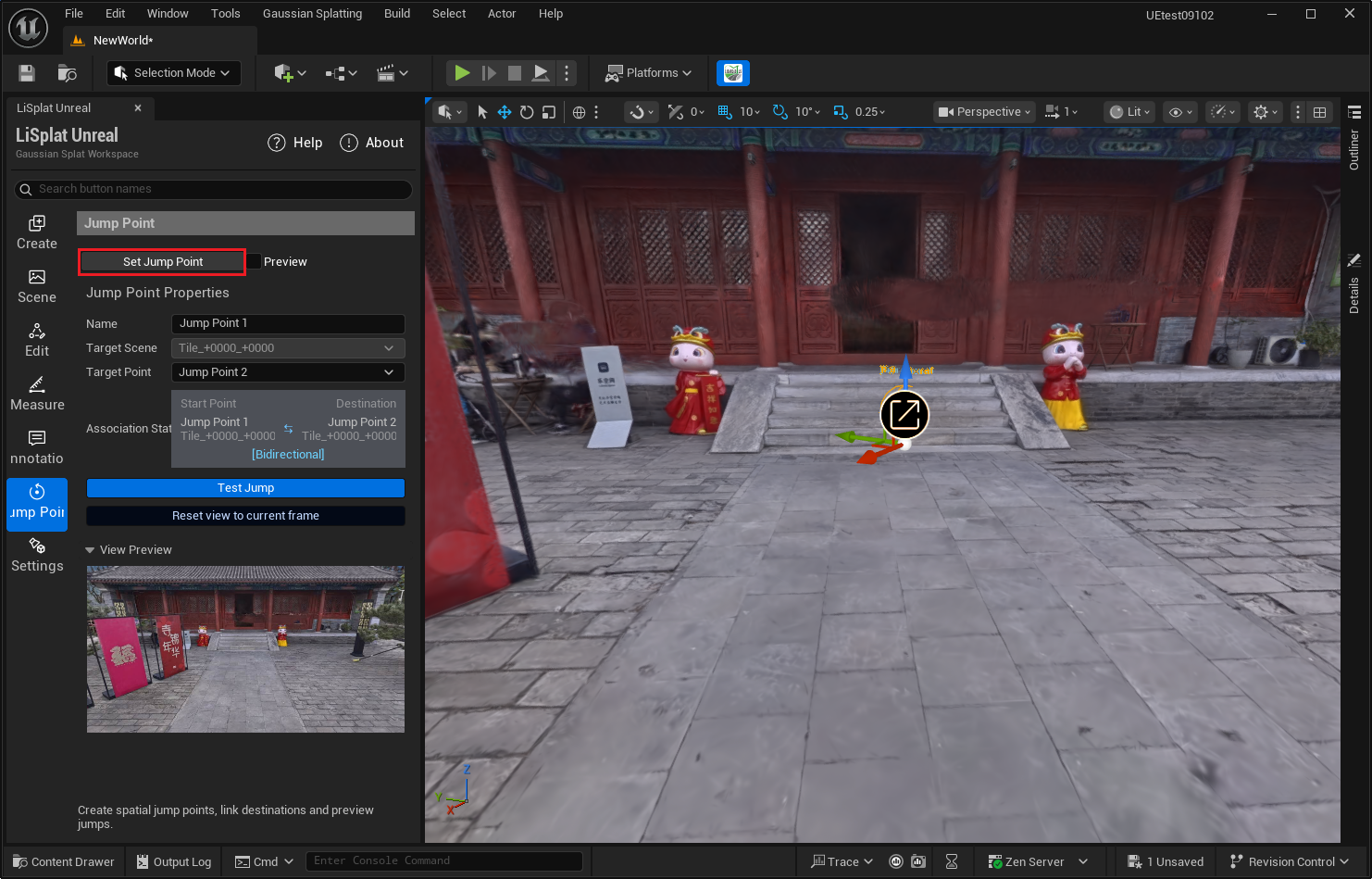
- Create a jump point at the target view and save the current camera transform.
- Choose a target scene and target point in its properties. An unlinked point is shown as having no target.
- Use Preview to make jump points interactive, then use Test Jump to validate the link.
- After changing the view, use Reset View to update the point and its direction preview.
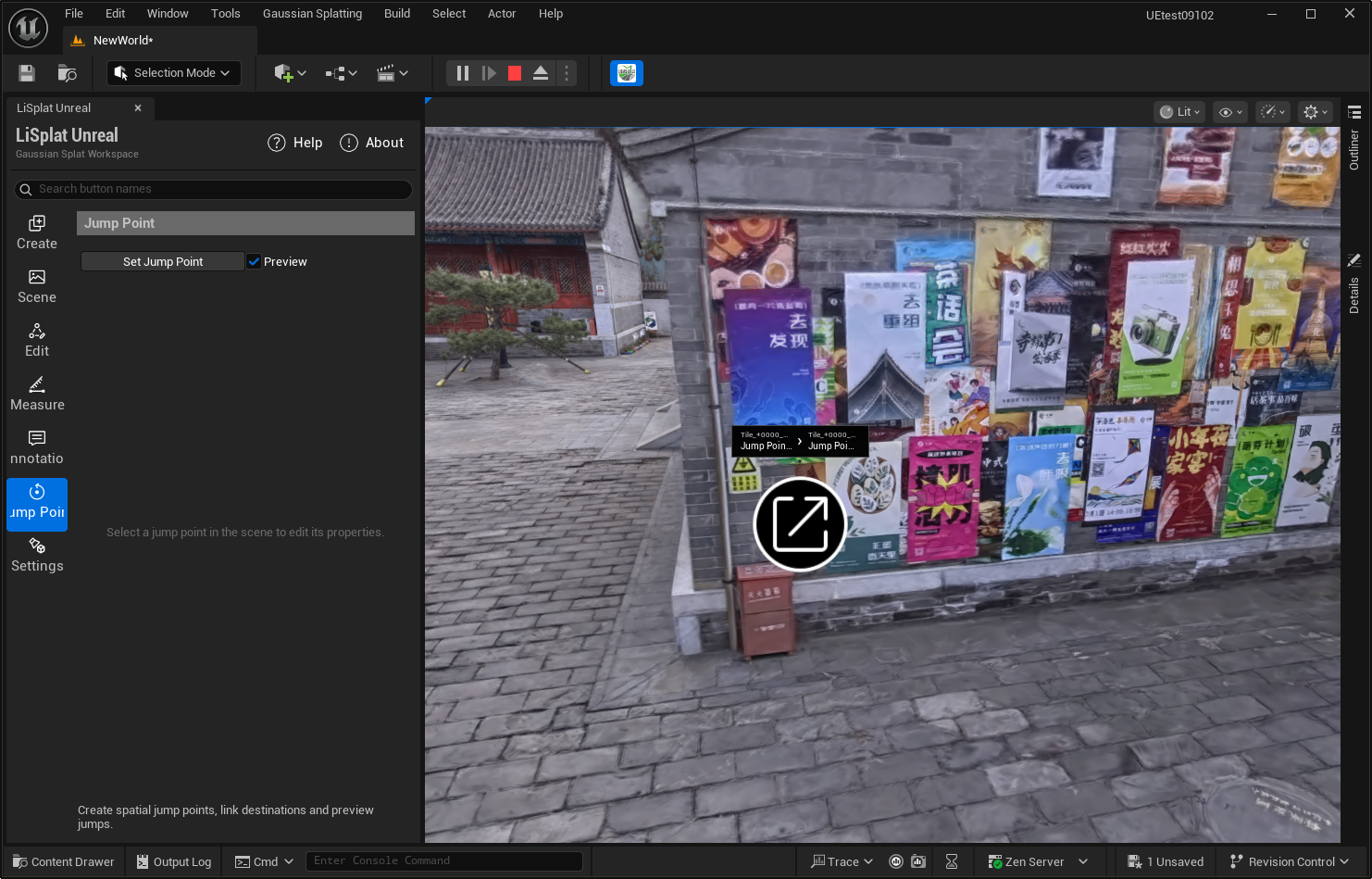
The target scene requires a LiSplatActor, a PlayerStart, and a valid target jump point.