Packaging and Delivery
Save the level and complete an end-to-end in-editor run before packaging. A C++ project is recommended for Windows delivery.
Packaging checklist
- In Project Settings > Maps & Modes, set the Editor Startup Map and Game Default Map.
- Confirm that LiSplat data, runtime files, collision data, and required media are referenced by the project. Add external data folders to additional packaging directories when the project requires them.
- Configure Project Settings > Packaging for the project. Do not remove runtime data before it has been validated in a packaged build.
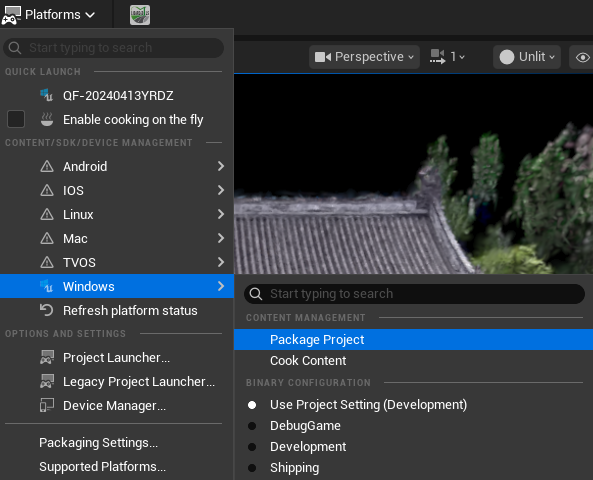
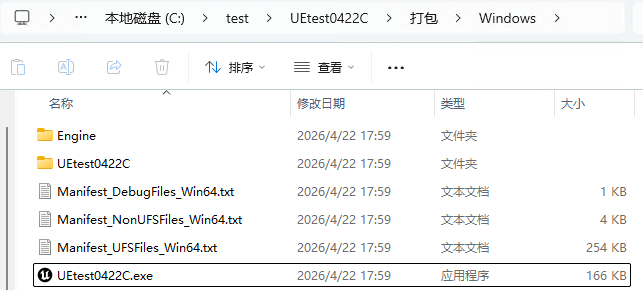
- Choose Platforms > Windows > Package Project, select an output folder, and wait for completion.
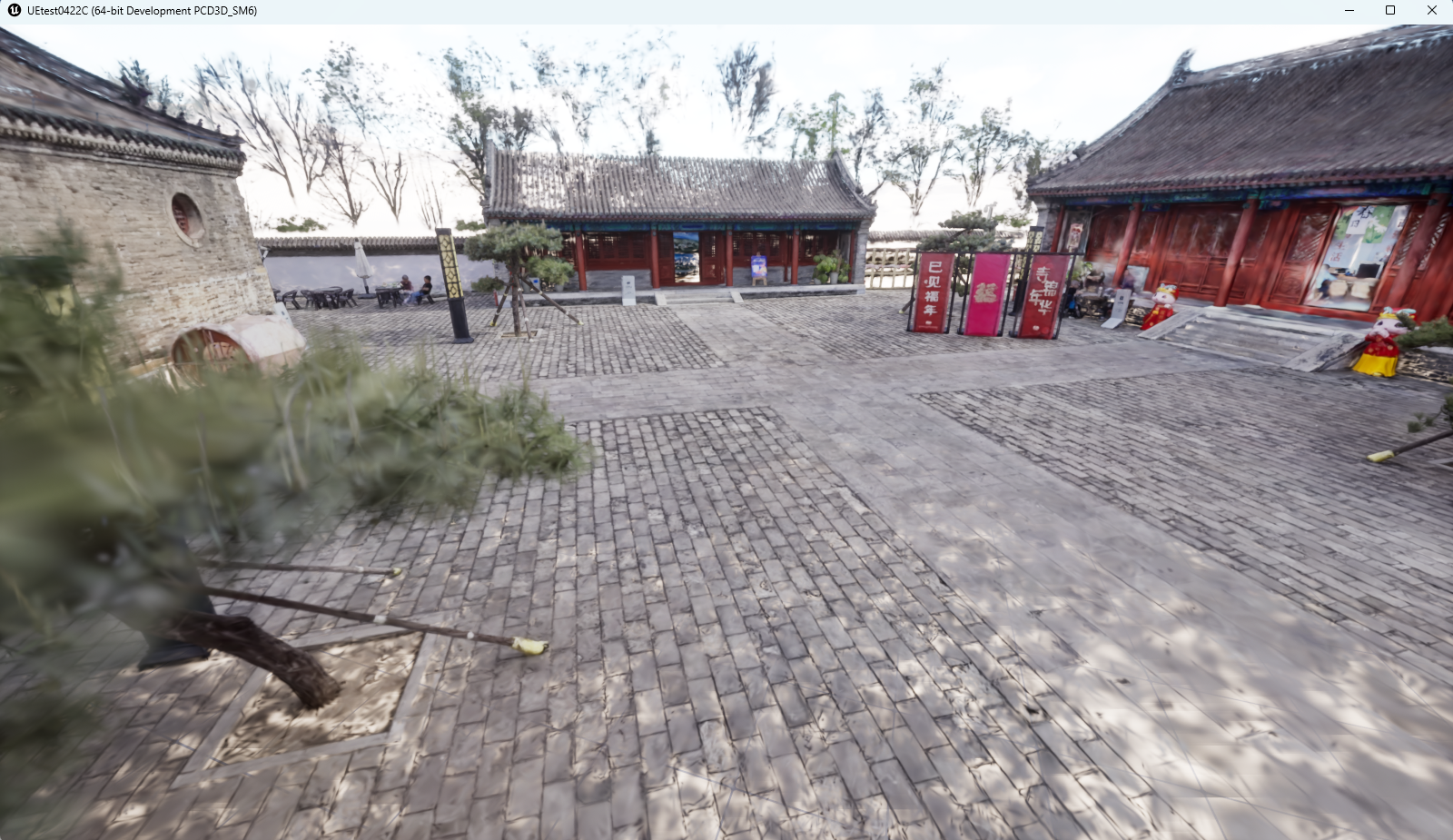
- Launch the EXE on a clean target device and validate the default map, data loading, interaction, video, VR if applicable, and exit behavior.
Delivery package
- Packaged output folder and all runtime dependencies.
- Version, target platform, tested GPU, and known-limitations information.
- Licensing information for used sample data, media, and third-party content.