Data Import and Rendering
Import data
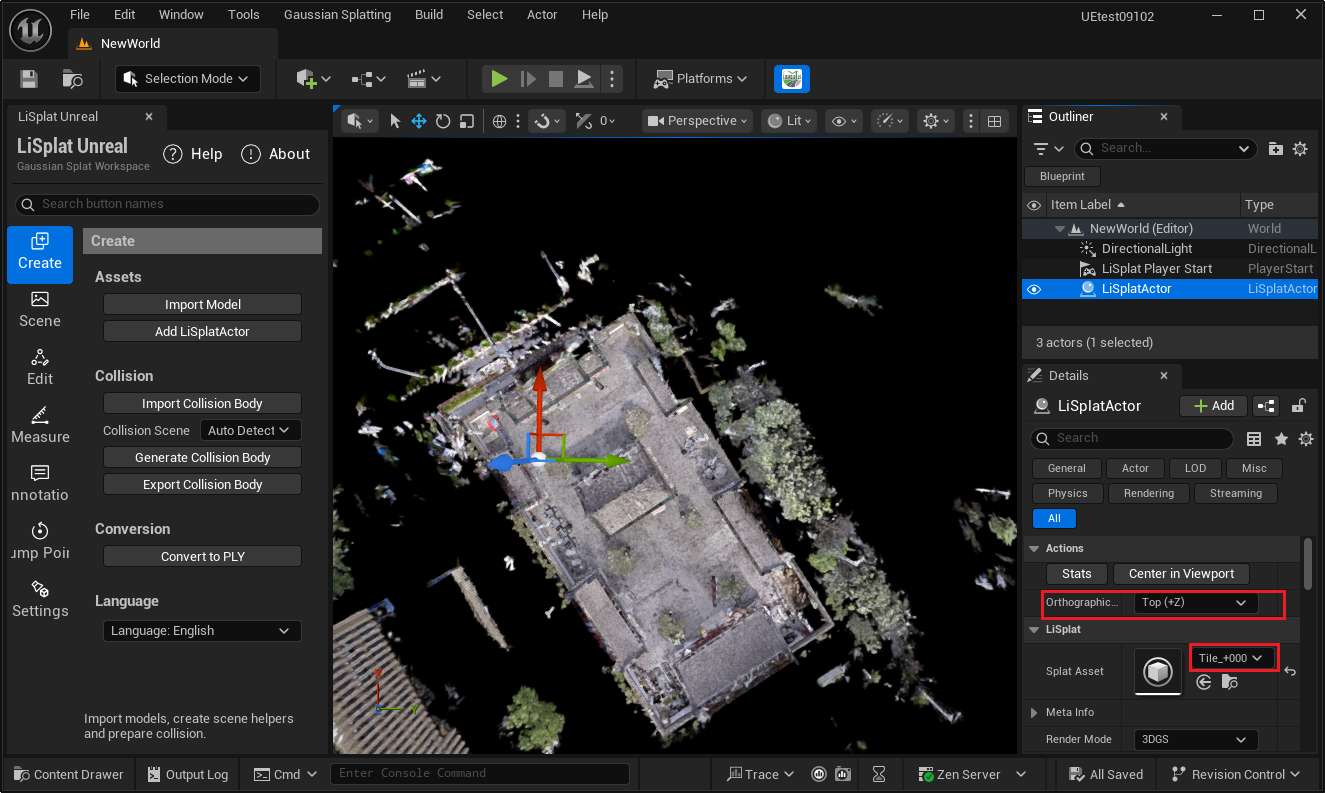
- Open the Create page in the LiSplat Unreal panel.
- Select Import Model, choose the source file, and wait for the import task to finish.
- Add a LiSplatActor to the level. In its Details panel, choose the imported asset for LOD GLSP Splat Asset.
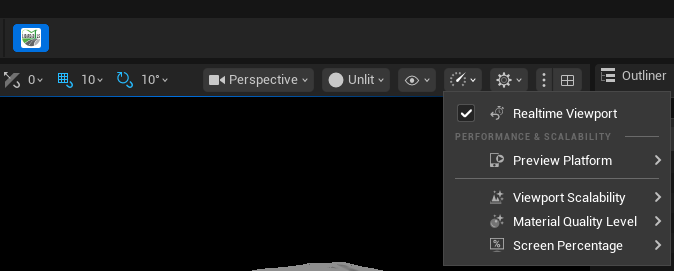
- Enable Realtime Viewport from the main toolbar so that viewport data renders in real time.

Supported formats
The current Create page imports PLY, LiSplat, XML, KSPLAT, LCC, SOG, SPLAT, SPZ, and other compatible Gaussian data.
First checks
- Assign an asset only after its import task has completed.
- If data is not visible, use Center in Viewport, then check that the actor has a valid asset.