Rendering Settings
Use the LiSplat Unreal Settings page or the LiSplatActor Details panel to tune appearance. Change one group of settings at a time and compare results at the target resolution.

Common settings
| Setting | Purpose |
|---|---|
| Render Mode | Switch between 3DGS and Point Cloud display. |
| Light Mode | UnLit keeps an appearance independent of scene lighting; Lit uses Unreal scene lighting. |
| Global Splat Scale | Adjusts Gaussian primitive size without changing point-cloud point size. |
| Global Opacity Scale | Adjusts the overall opacity of both 3DGS and point-cloud output. |
| Mip Filter | Applies screen-space filtering to reduce aliasing and flicker in small splats. |
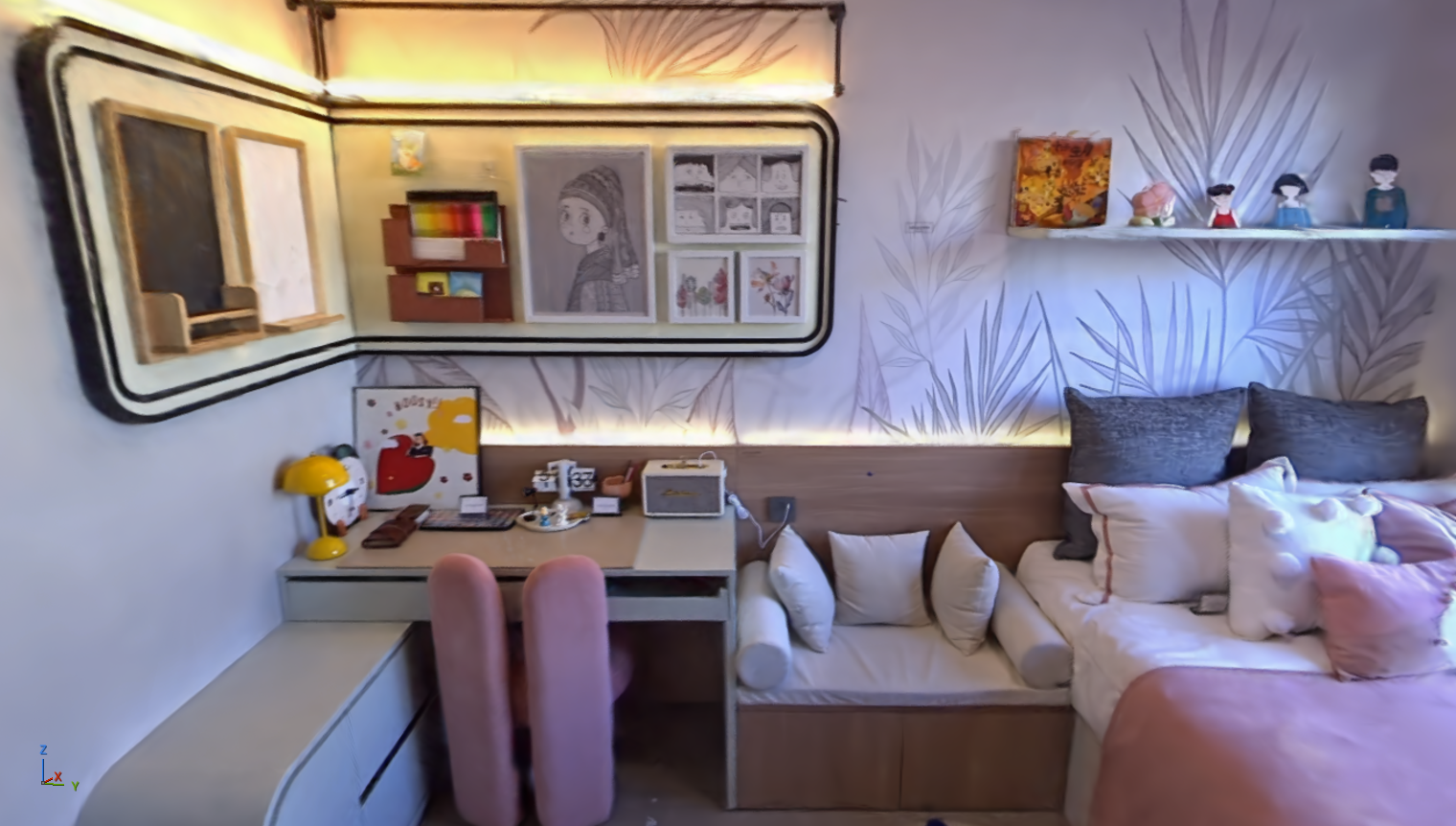
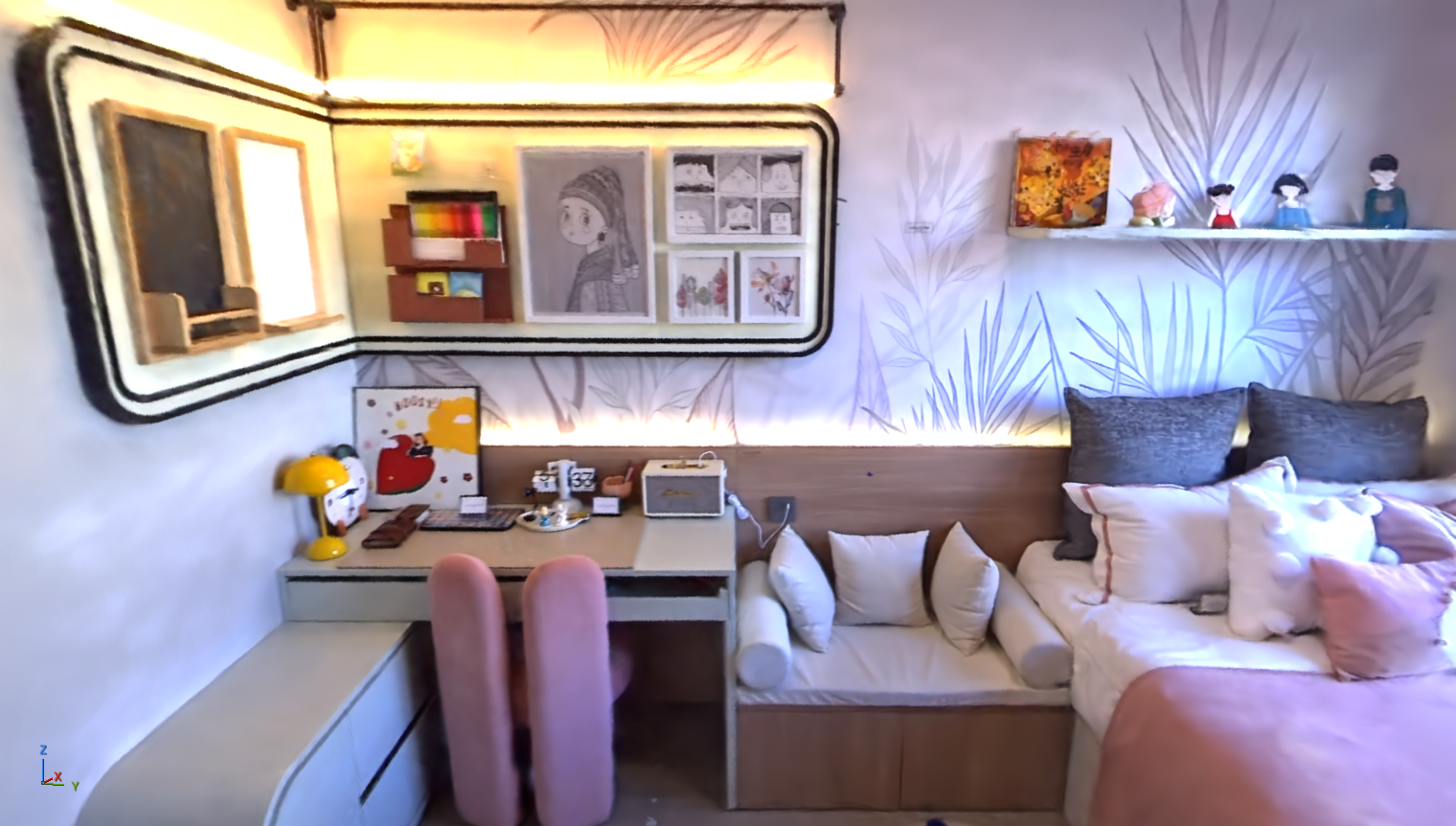
Mip Filter Strength is available only while Mip Filter is enabled. Use the visible Actor Details controls as the source of truth for advanced lighting, normals, color workflow, and tonemapping settings.