Details Panel and Quick Tools
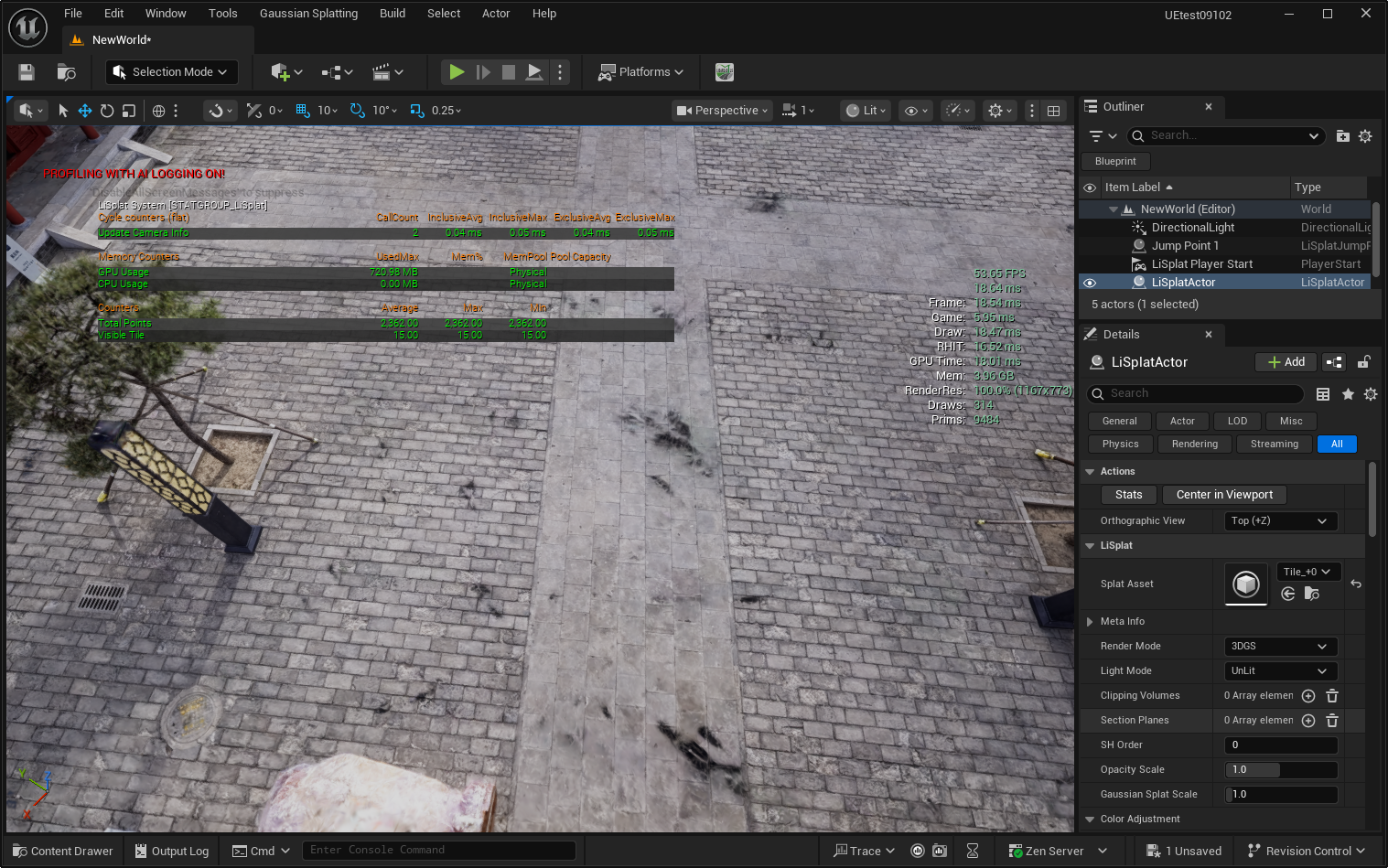
Select a LiSplatActor to view asset information, configure display behavior, and use quick tools in the Details panel. This page describes common entry points only; use the developer documentation for the full parameter reference.
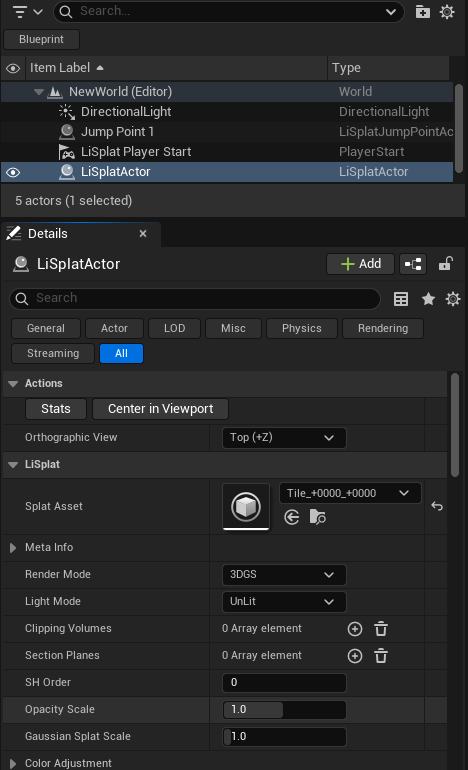
| Item | Purpose |
|---|---|
| Stats | Displays current LiSplat statistics for performance diagnosis. |
| Center in Viewport | Positions the data at the viewport center using its bounds, viewing direction, and viewport FOV. |
| Orthographic View | Sets a Top, Bottom, Front, Back, Left, or Right direction for positioning. |
| Render Mode | Switches 3DGS / Point Cloud. |
| Light Mode | Switches UnLit / Lit. |
| Opacity Scale / Splat Scale | Adjust overall opacity and Gaussian primitive size. |
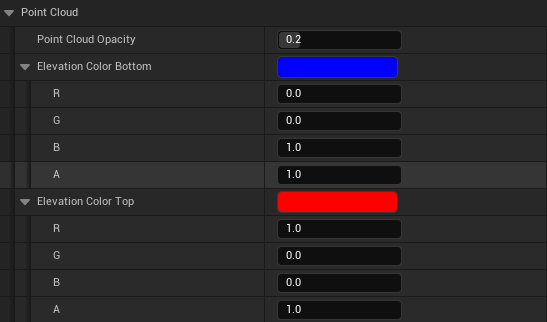
| Elevation Color | Sets bottom and top colors by local Z elevation in Point Cloud mode. |
| Animation | Enables a two-stage radial load/reveal animation and controls speed, delays, and scan-line appearance. |

Calling
Center in Viewportat runtime changes the current ViewTarget of the first player controller. Treat editor positioning and runtime camera control separately.