
Show Triangle

Brief: Switch display mode of models in current window to triangle mesh mode.
Steps
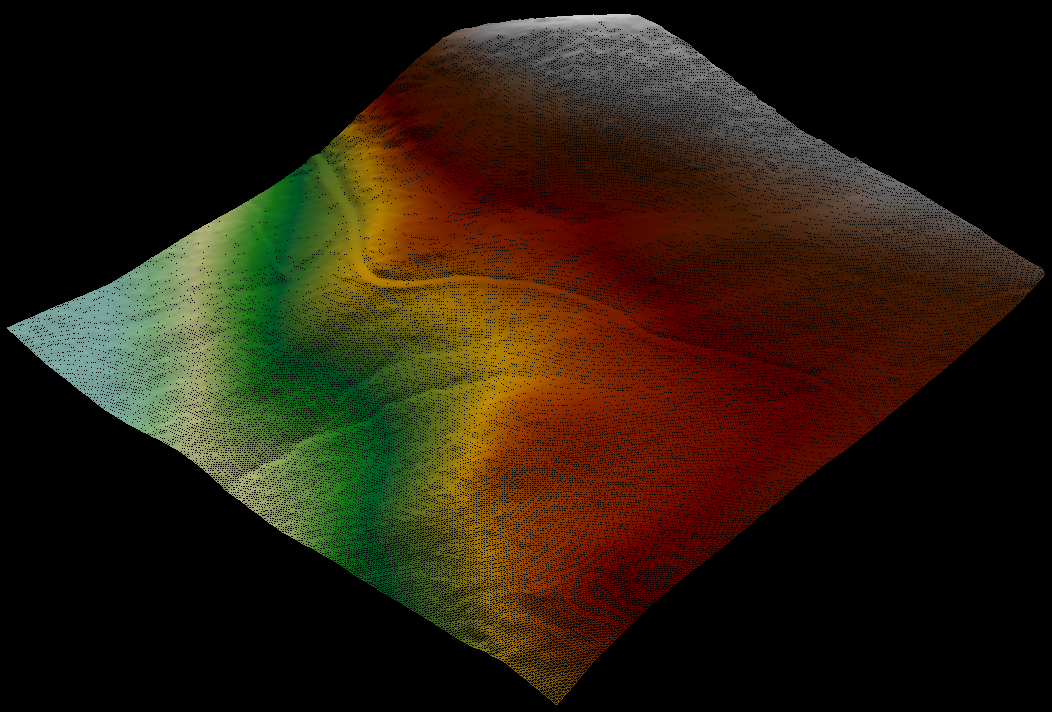
- Click this button. The models in the current active window will be displayed as a triangle mesh, as shown in the figure below:
Settings
- Shortcut key: Press the "W" key to switch the display mode between model, triangle and point.
Note: The model types for this function includes LiTIN, LiModel, IVE and other model types.