
LiCloud Account
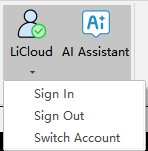
Includes sign in, sign out, switching account and user center.
Sign in
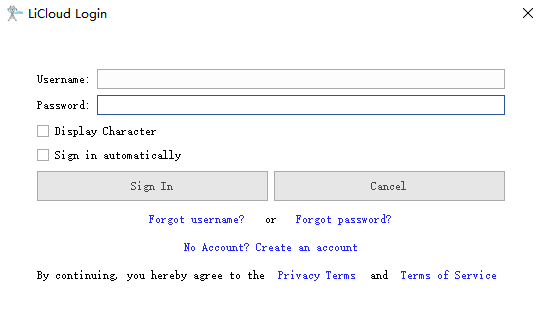
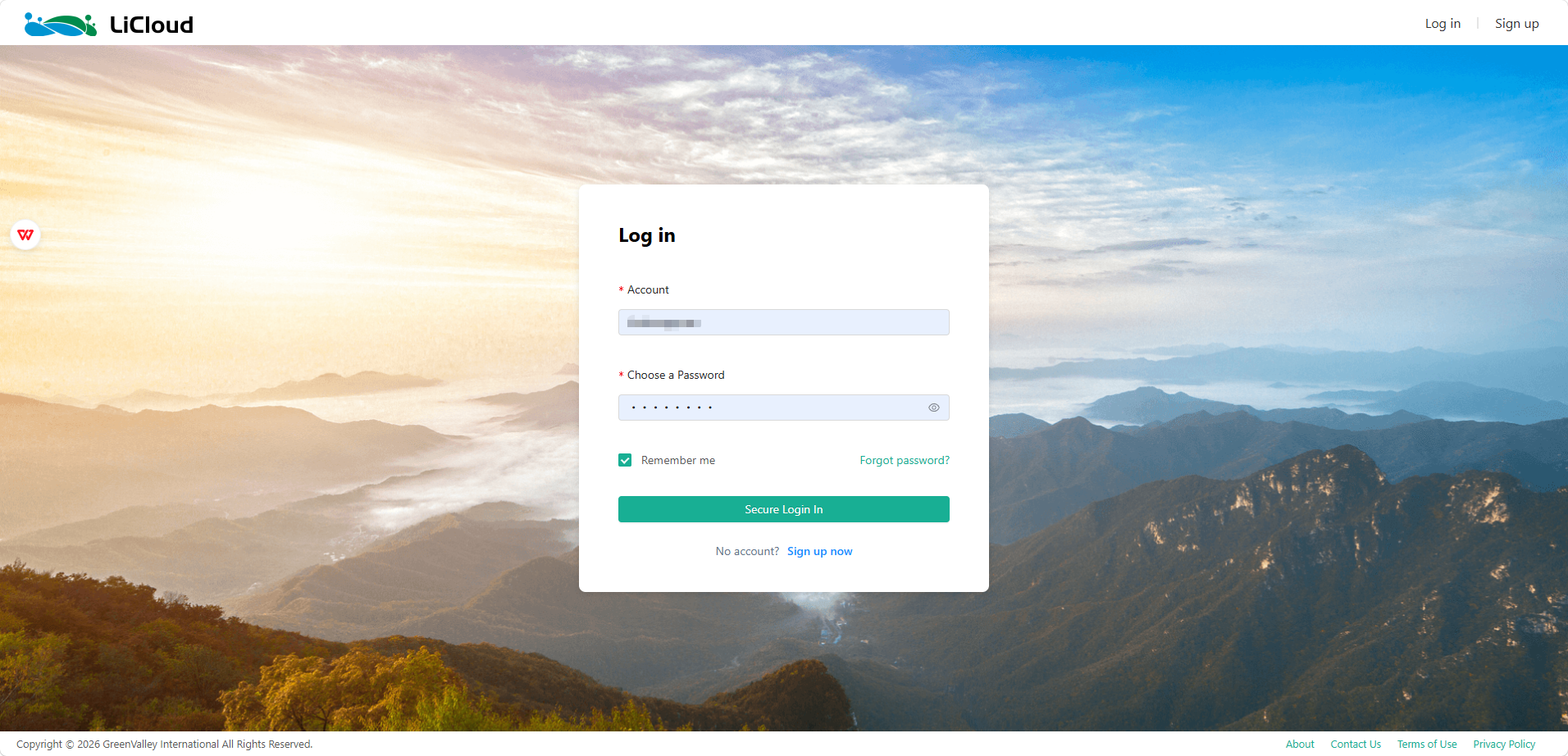
Click "Sign In" to open the LiCloud sign-in page in your web browser. Enter your username and password on the web page to sign in.
Sign out
Click "Sign Out" to log out of the current account.
Switch Account
Logs out of the current account and opens the LiCloud sign-in page in your web browser, prompting you to enter a new username and password to sign in with a different account.
User Center
Click "User Center" to open the LiCloud web page, where you can view and manage your account information.