
Collection Time
Summary
Set the collection time in different tower sections. Save the collection time file.
Usage
Click Collection > Information > Collection Time.
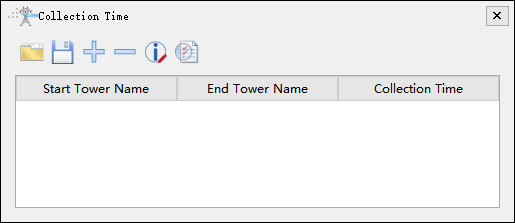
Open File

Open the collection time file.
Save File

Save the collection time file. The default output path is the information folder in the working directory. The results are in the "CollectionTime.csv" file.
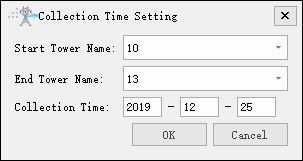
Add Collection Time

Set the start and end transmission towers name, and set the collection time.
Delete Collection Time

Delete the selected collection time.
Modify Collection Time

Modify the selected collection time.
Check Availability

Check if there is any overlap in the collection time of different tower sections.