
Pick up Rotation Center
Summary

Pick up rotation center in 3D viewer.
Steps
- Click button on left toolbar, move mouse on the viewer currently activated. And the mouse cursor changes into
 , pick up a point and this point will become new rotation center. Then the cursor will restore as arrow shape. Press "Shift" to reset rotation center.
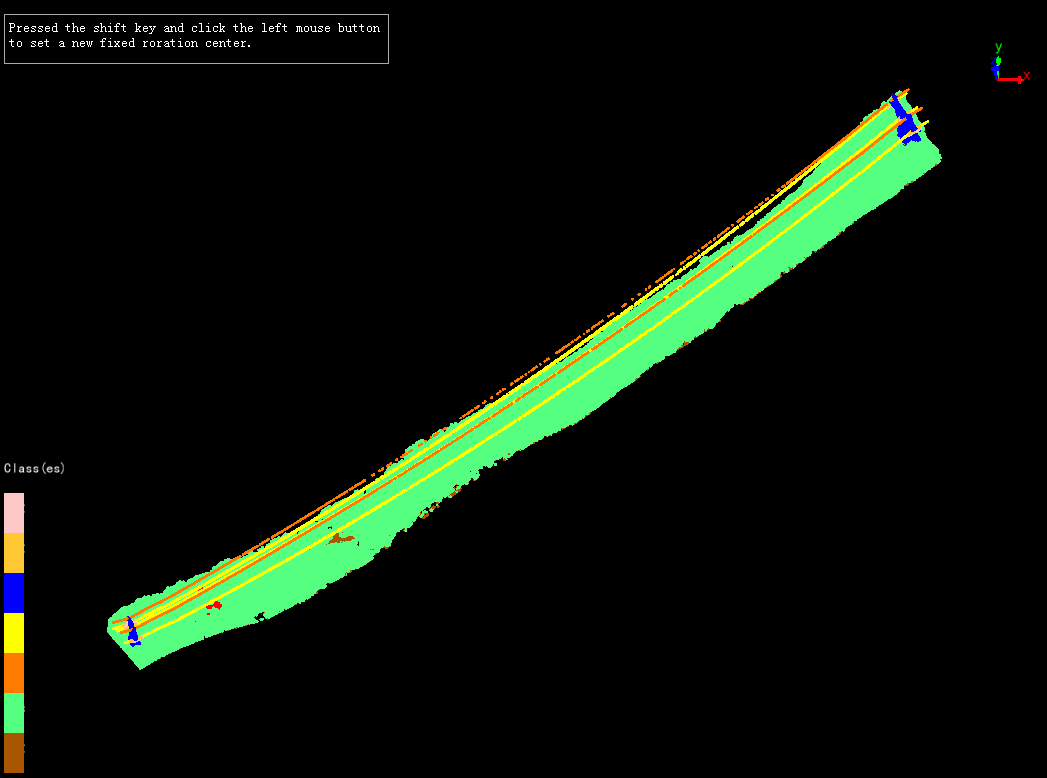
Note: This function is only available in 3D viewer. If users want to cancel current rotation center, please click Top View, Bottom View, Left View, Right View, Front View, Back View or Global View.