
Setting
Settings include Display Setting and Shortcut Setting.
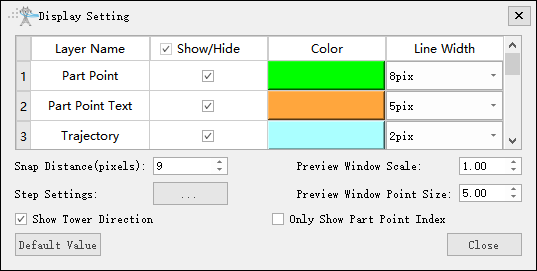
Display Setting
You can set the color, line width, and line type for each layer. Additionally, you can set the snap distance, preview window scale, step size, and preview window point size. You can also choose whether to draw the tower orientation.
Shortcut Setting
Set the shortcut keys for common operations.
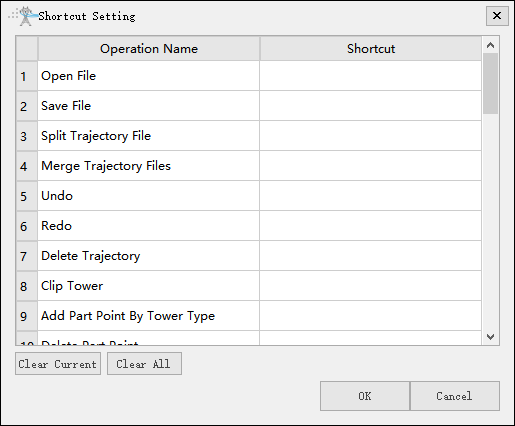
- Clear Current: Clear the shortcut key settings for the currently selected item.
- Clean All: Clear the shortcut key settings for all items.