English
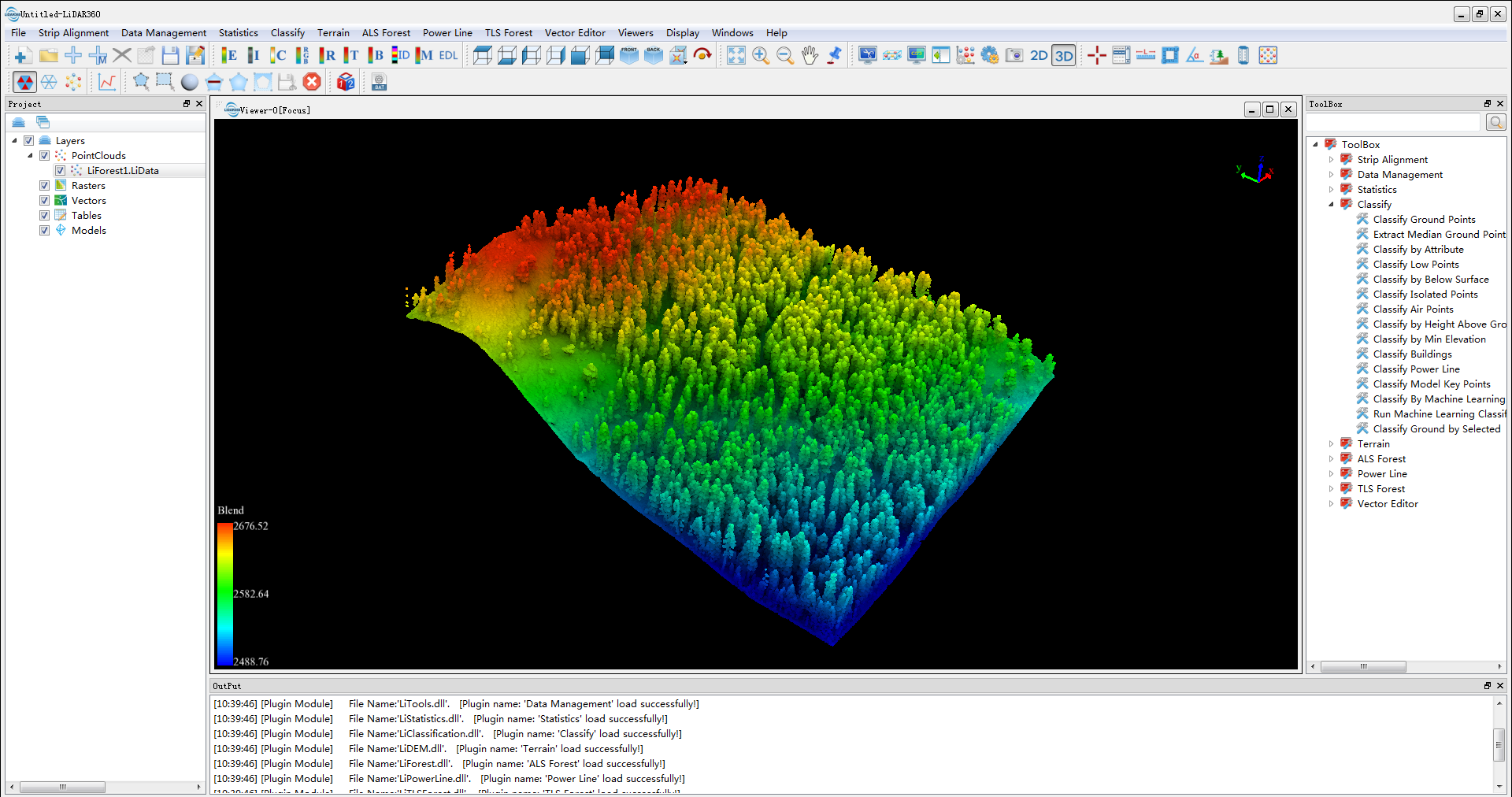
Brief: Switch current active window to 3D mode
Note: If current active window contains raster data, it can only be set to 2D mode. After removing raster data, it can be set to 3D mode.