
Display Options

Brief: Configure background color, label properties and lights.
Steps
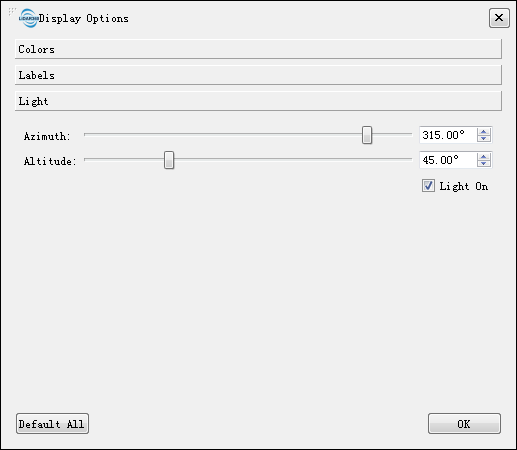
- Click this button to open the dialog shown as below:
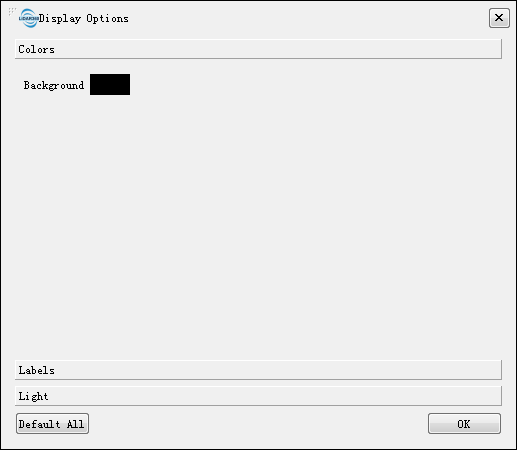
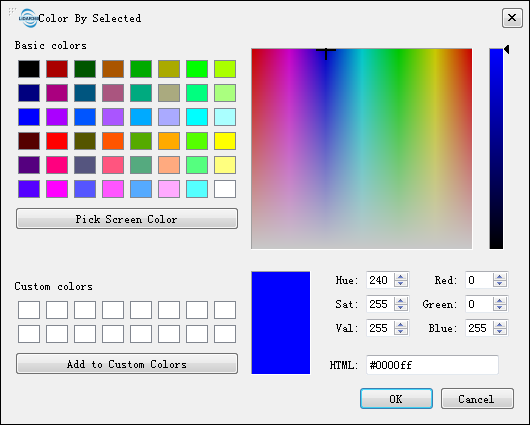
- Click "Colors" page to set background color:
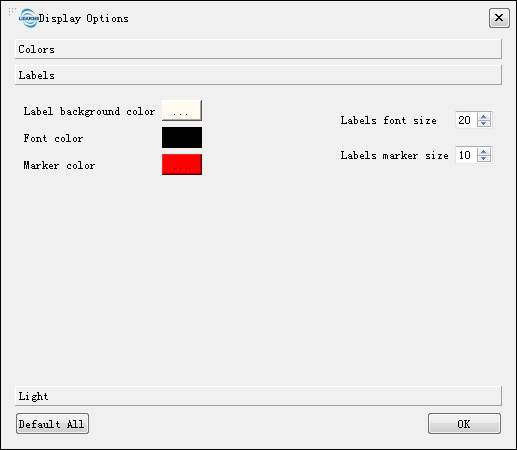
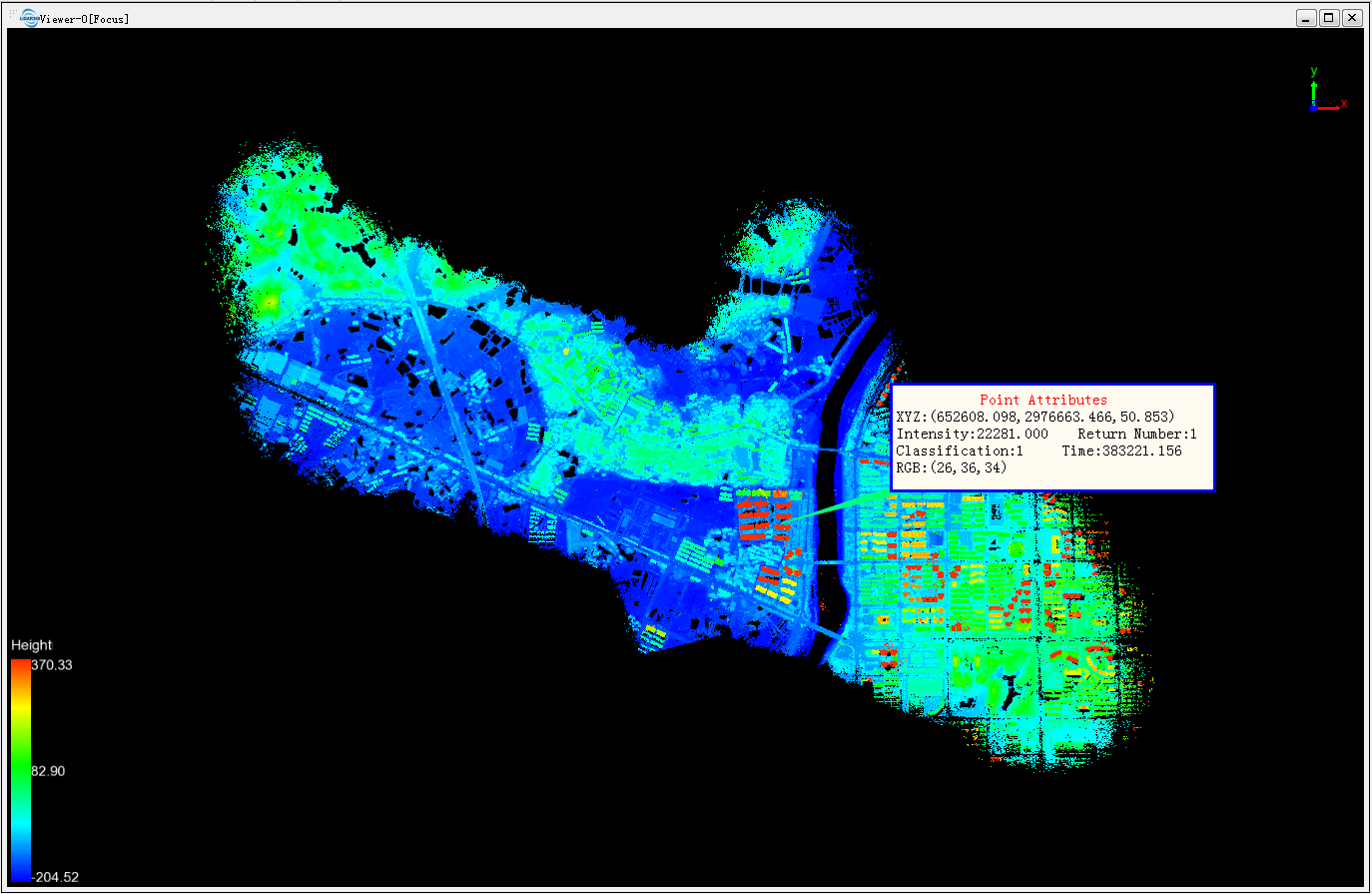
- Click "Labels" page to set label color and size: After creating any tag, user can move it by dragging. Push "Delete" key on the keyboard to delete selected tags.
- Click "Light" page to set the direction of light. Light settings only effect on model files (LiModel, LiTin, OSGB, etc.).
- Click "Default All" to restore all settings to default values.