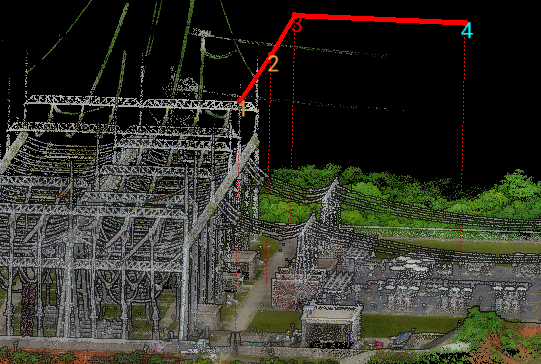
Main Trajectory Operation
The main trajectory menu mainly includes Add, Modify Main Waypoint, Delete Main Waypoint, and Connect functions.
Add Main Waypoint

Add main waypoints, mainly by selecting points on substation concrete roads or open areas.
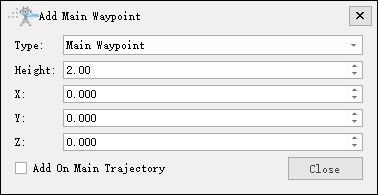
- Type: Select waypoint type, mainly including Main Waypoint, UAV Nest, Emergency Return Point.
- Height: Customize height, preferably higher than substation structures or lightning rods for safety.
- XYZ: Manually adjust main waypoint position.
- Add on Main Trajectory: When checked, can only add on previously generated main trajectories.
Modify Main Waypoint

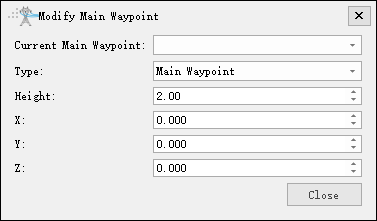
After selecting the function icon, select main waypoints to modify them.
Delete Main Waypoint

After selecting the function icon, select main waypoints from the dropdown box to delete or select all to delete.
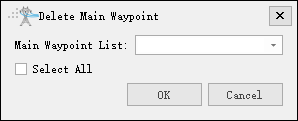
Connect Main Waypoints

After selecting the function icon, enter connection settings.
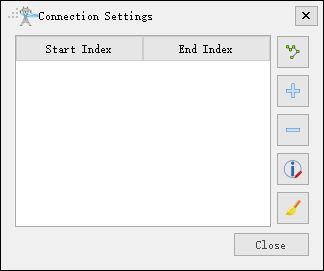
Connect according to main waypoint order.

Add connection.

Delete connection.

Modify connection.

Clear connections.