Profile
Summary

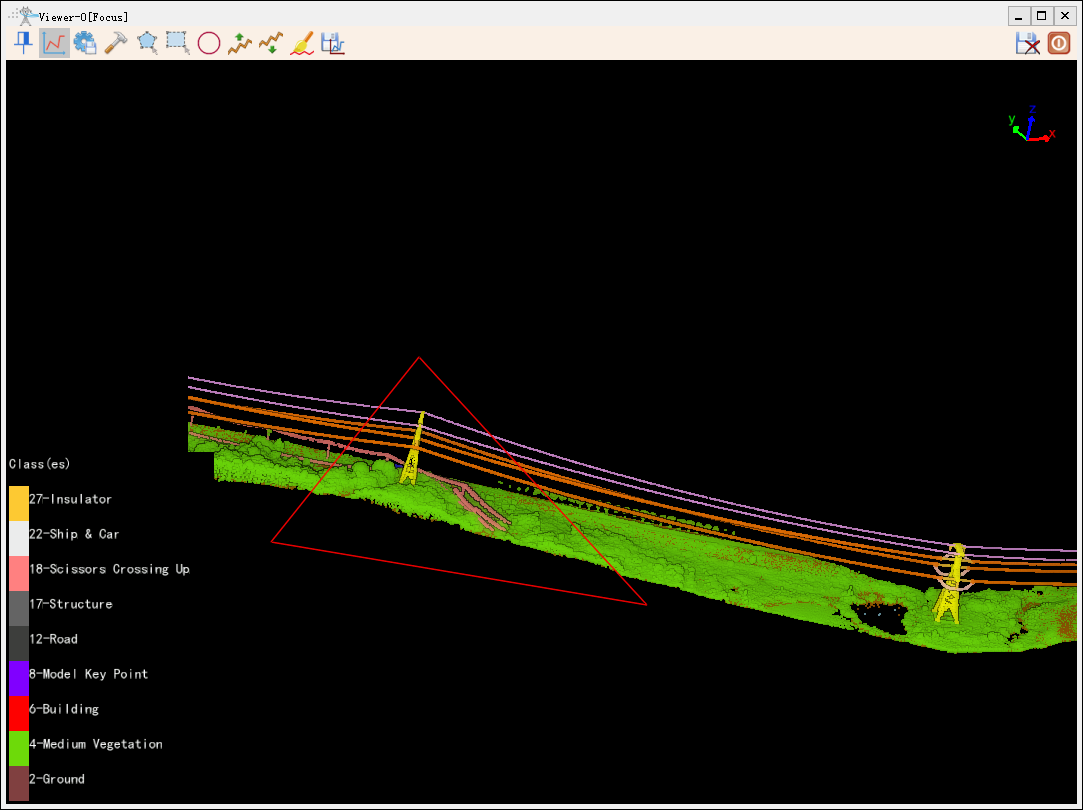
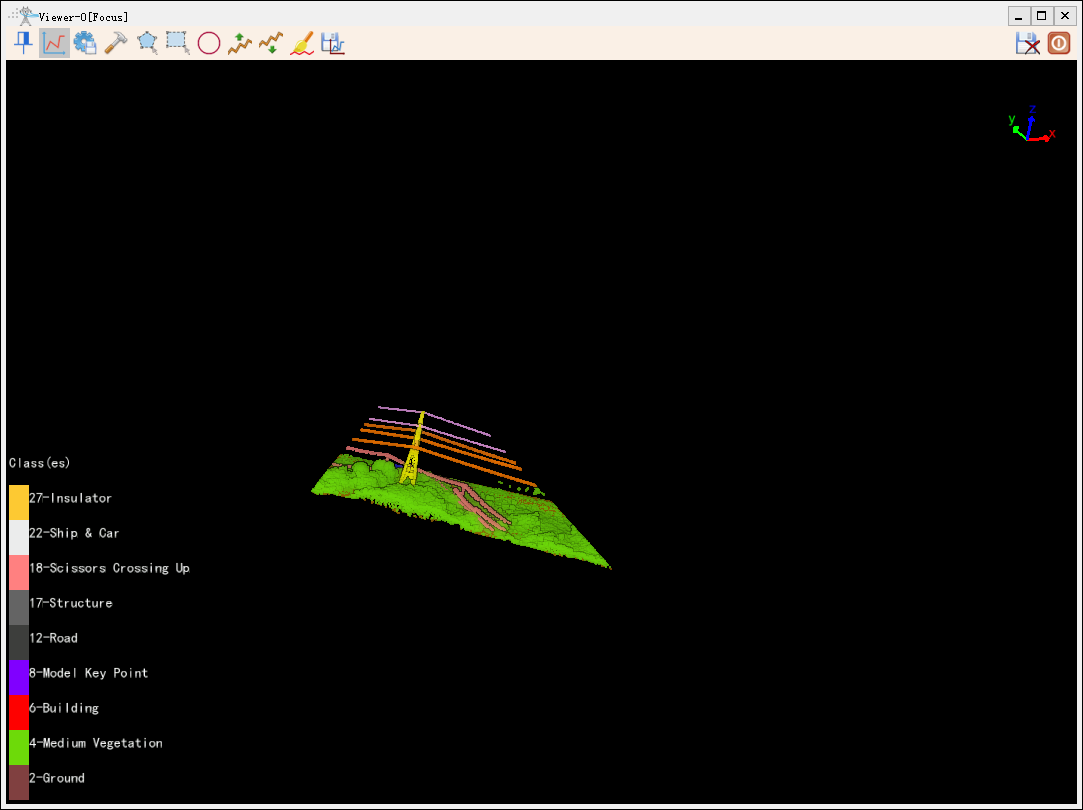
Under the 3D profile editing function, an area can be delineated and only the point cloud of that area can be displayed in the window.
Steps
Click
profile.Click the left mouse button to confirm the endpoints in the section window (select at least three endpoints), then double-click to delineate the area, as shown below.