
Wind Deflection Collision Analysis
Summary

Automatically analyze wind deflection collisions, save the analysis results to a specified directory, and support the export of result files.
Usage
Click Early Warning Analysis > Wind Deflection Collision Analysis
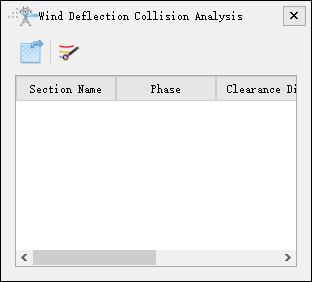

Export the wind deflection collision analysis result file.

Automatic analysis of wind deflection collision.
Wind Deflection Collision Automatic Analysis
Summary

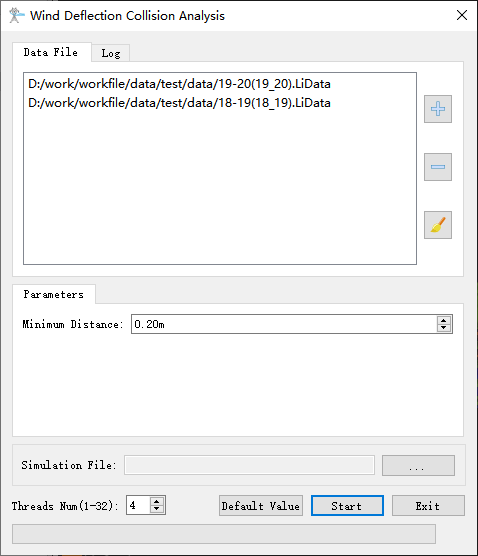
Analyze and calculate the selected point cloud data, automatically analyze wind deflection collisions and save them to the specified directory, and automatically update the result list upon completion. The functional interface is shown in the figure below. This function can process multiple datasets simultaneously. Click to add the vector data to be processed. Click
 to remove the selected vector data(remove the first record of the list if no data is selected). Click
 to clear the vector data list.
Parameter Settings
- Minimum Distance (default value: "0.2m"): Sets the minimum distance.
- Simulation File: Selects the file for simulating the working condition process.
- Threads Num(default value is "4"): Set the number of threads (1 to 32) to run this function. The software can record the current settings and when the user opens this function again, the setting will be kept.