Settings Operation
Settings mainly include Display and Shortcut.
Display Settings
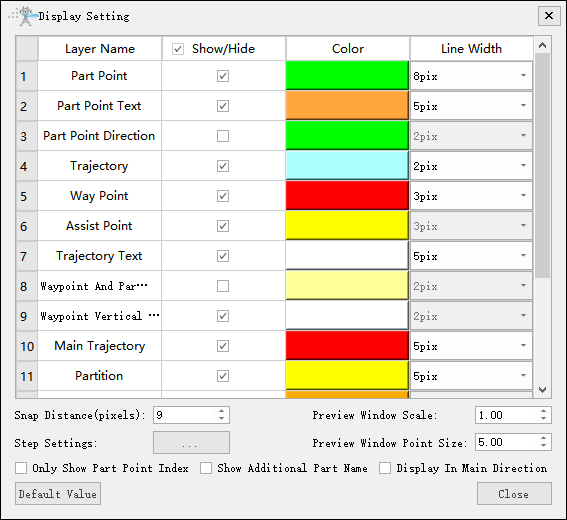
Set the color, line width, and line type of each layer. You can also set the snap distance, preview window ratio, step size settings, and preview window point size. Three display modes are provided: Show Only Part Point Index, Show Additional Part Name, and Display In Main Direction.
Shortcut Key Settings
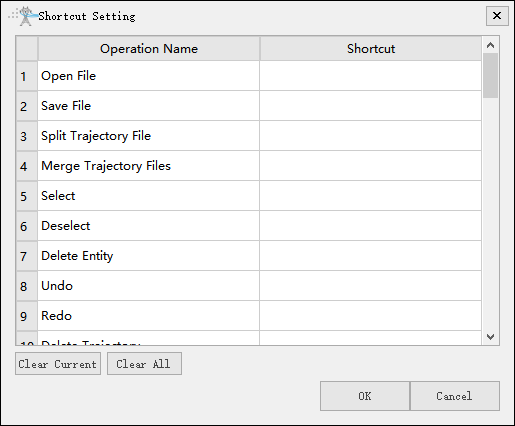
Set shortcut keys for common operations.