English
Brief: Save project.
Click the Save Project button on the tool bar,and then click Save.
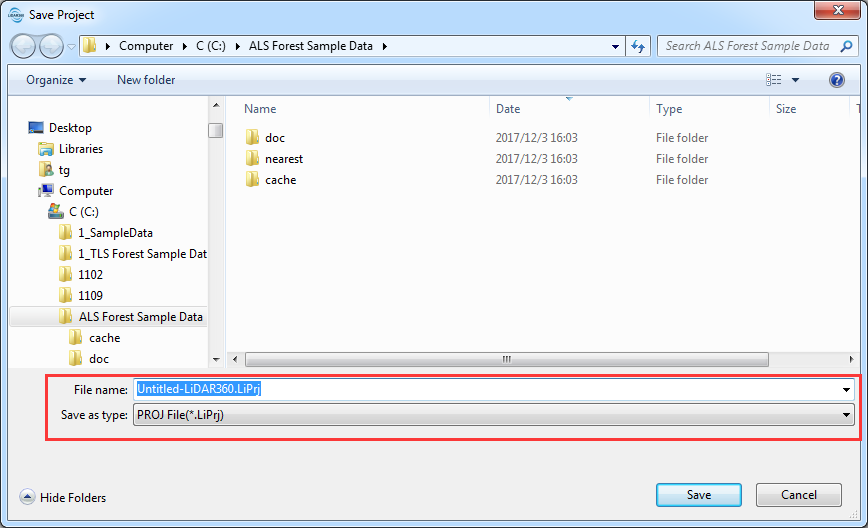
If this is the first time that you are saving the project, type a name for it in the file name box, and then click Save.
You can save a project in the following file format: *.LiPrj.