
Clear
Summary

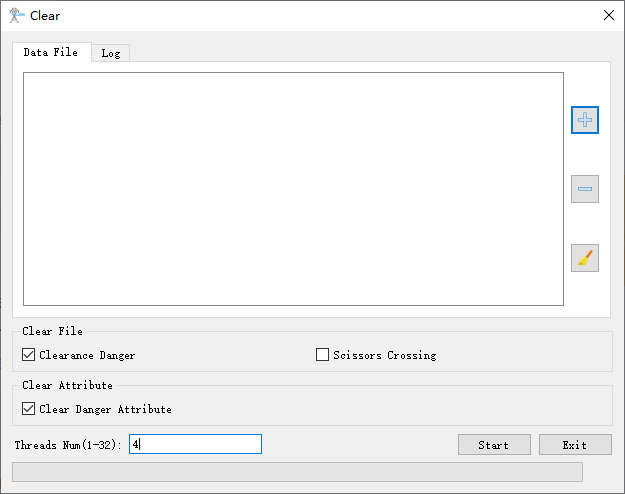
This function allows you to clear the results of reports for danger points, crossover detection, and other data. The interface supports clearing multiple datasets simultaneously. Click to add point cloud data to the deletion list. Click
 to remove the first item from the list (when no data is selected) or remove selected data. Clickto clear the entire data list.
Usage
Click Distributing Network Inspection > Tree Barrier Analysis > Clear
Settings
- Clear File
- Clearance Danger: Check to clear clearance danger files from the working directory.
- Scissors Crossing: Check to clear scissors crossing files from the working directory.
- Clear Attribute
- Clear Danger Attribute: Check to clear danger attributes from the data.
- Threads Number (default value is "4"): Set the number of threads(1 to 32) to run this function. The software can record the current settings and when the user opens this function again, the setting will be kept.